
Marriage Biodata Image (JPG) for WhatsApp
Make your biodata here and tap Download Image. You get one JPG picture of the whole biodata, 1240 pixels wide, which opens straight inside a WhatsApp chat without any app. Verify your mobile number once and the image is free, on any of the 63 free designs.
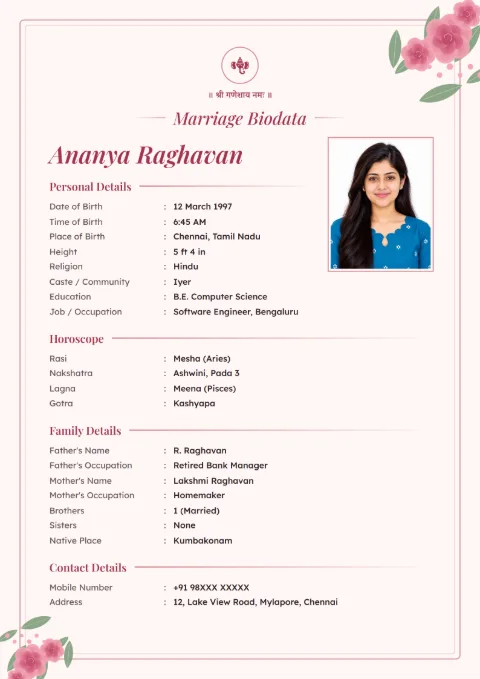
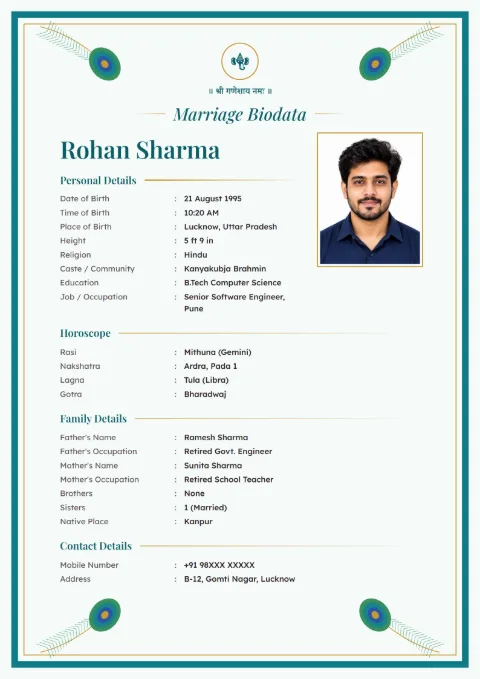
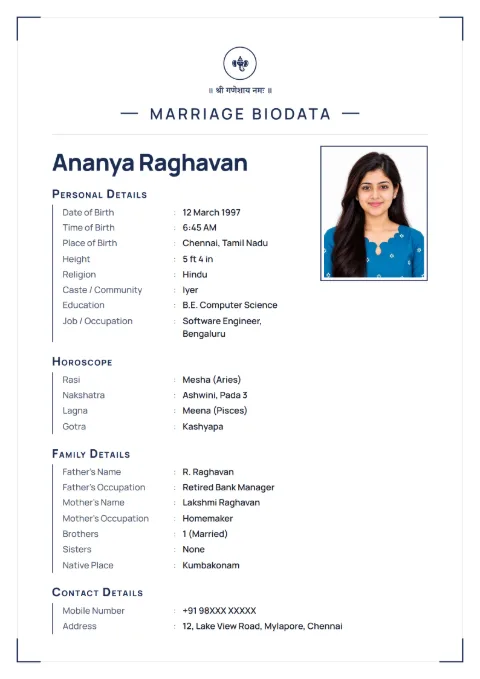
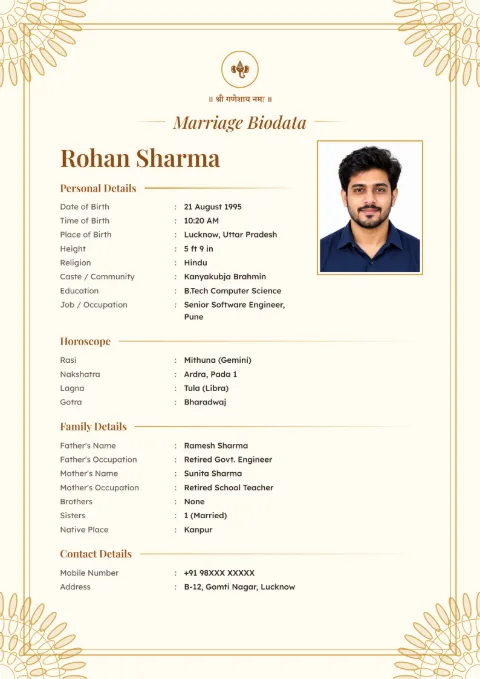
What You Get When You Tap Download Image
A single JPG file named after the person, like Rohan-Sharma-Biodata.jpg. Each page of the biodata is 1240 by 1754 pixels, the shape of an A4 sheet, at 150 dpi.
If your biodata runs to two pages, both pages come stacked in the same tall picture. Nobody has to open two files or swipe sideways. Relatives just scroll down.
The free image carries one small line at the bottom: "Made free at hellobiodata.com".
Why Families Like the Image on WhatsApp
A PDF shows up in a chat as a file icon with a name. Many elders never tap it. A JPG shows the biodata itself in the chat, so the photo, name and job are seen at a glance, even in a busy family group.
The image also opens on old phones that have no PDF reader. If you are sending to a marriage bureau or someone who will print it, send the marriage biodata PDF instead. Both come from the same biodata, so you can download the other one any time.
Keeping the Image Sharp After You Send It
WhatsApp shrinks photos to save data, and small text is the first thing to go blurry. Two ways around it:
- Before sending, tap the HD button at the top of the photo screen in WhatsApp.
- Or send it as a Document (the paperclip, then Document). The file goes as it is, with no shrinking at all.
Do not send a screenshot of the preview on your screen. A screenshot is only as sharp as your phone screen, and the downloaded JPG is much sharper.
Making a Biodata That Reads Well as a Picture
On a phone, the reader sees the whole page small first and then zooms in. A one-page biodata works best for that. Keep About Me to three or four lines and leave out details that can wait, like Annual Income or Property.
Plain designs read better on a small screen than very busy borders. Navy Line and Rose Garden are good choices if your relatives use small phones. The simple one-page format lists which details to keep on a short biodata.
An Image for a Boy or for a Girl
The designs are the same for both. You choose "This Biodata Is For: Male / Female" at the start and the labels follow. For what to write, see the filled samples in our biodata for boys and biodata for girls pages.
Marriage biodata images, JPG samples
Tap a sample to see it full size. The names and details on them are made up.
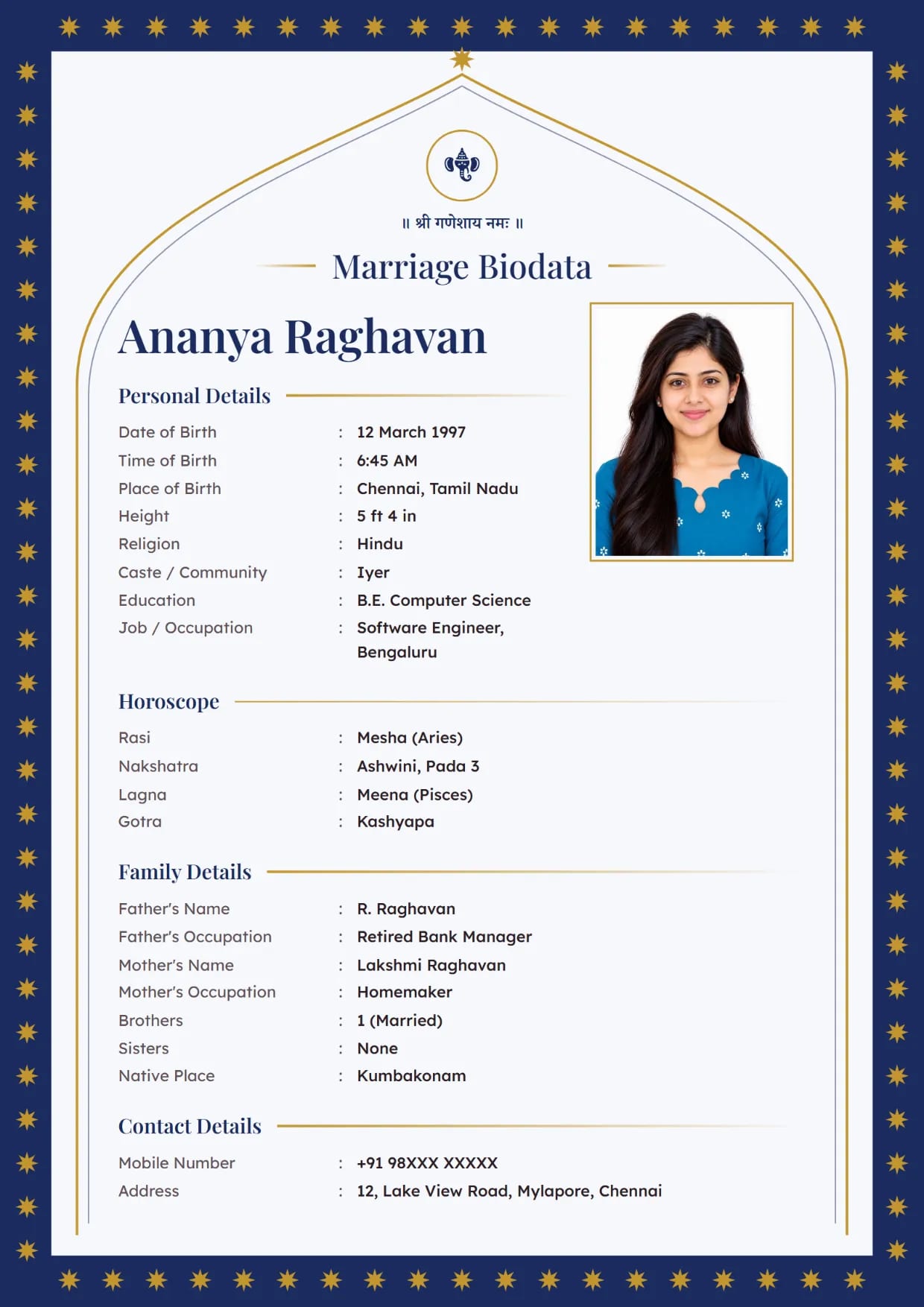
Emerald Arch, NavyGirl's biodata with Ganesh ji Use This Design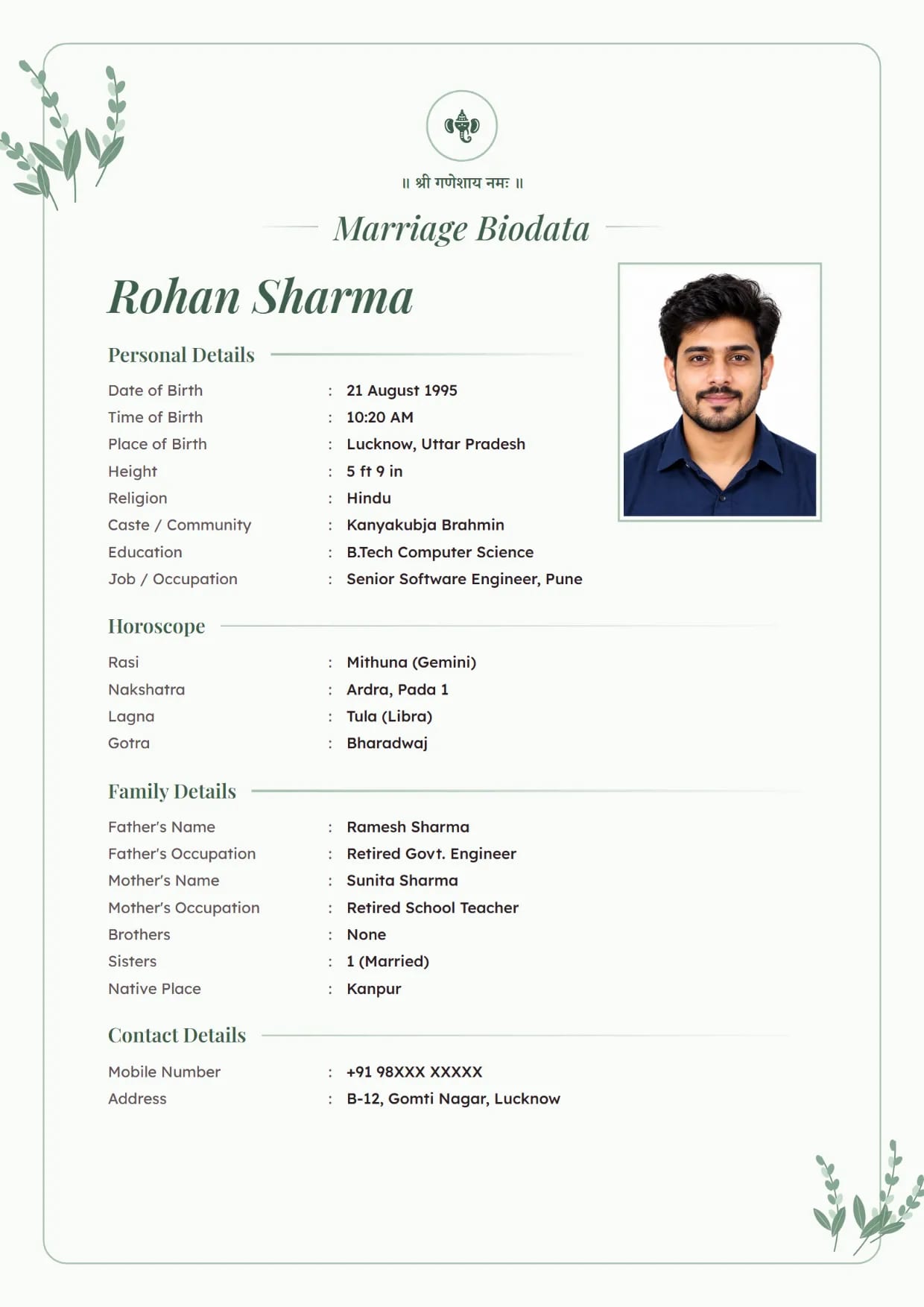
Lavender Bloom, SageBoy's biodata with Ganesh ji Use This Design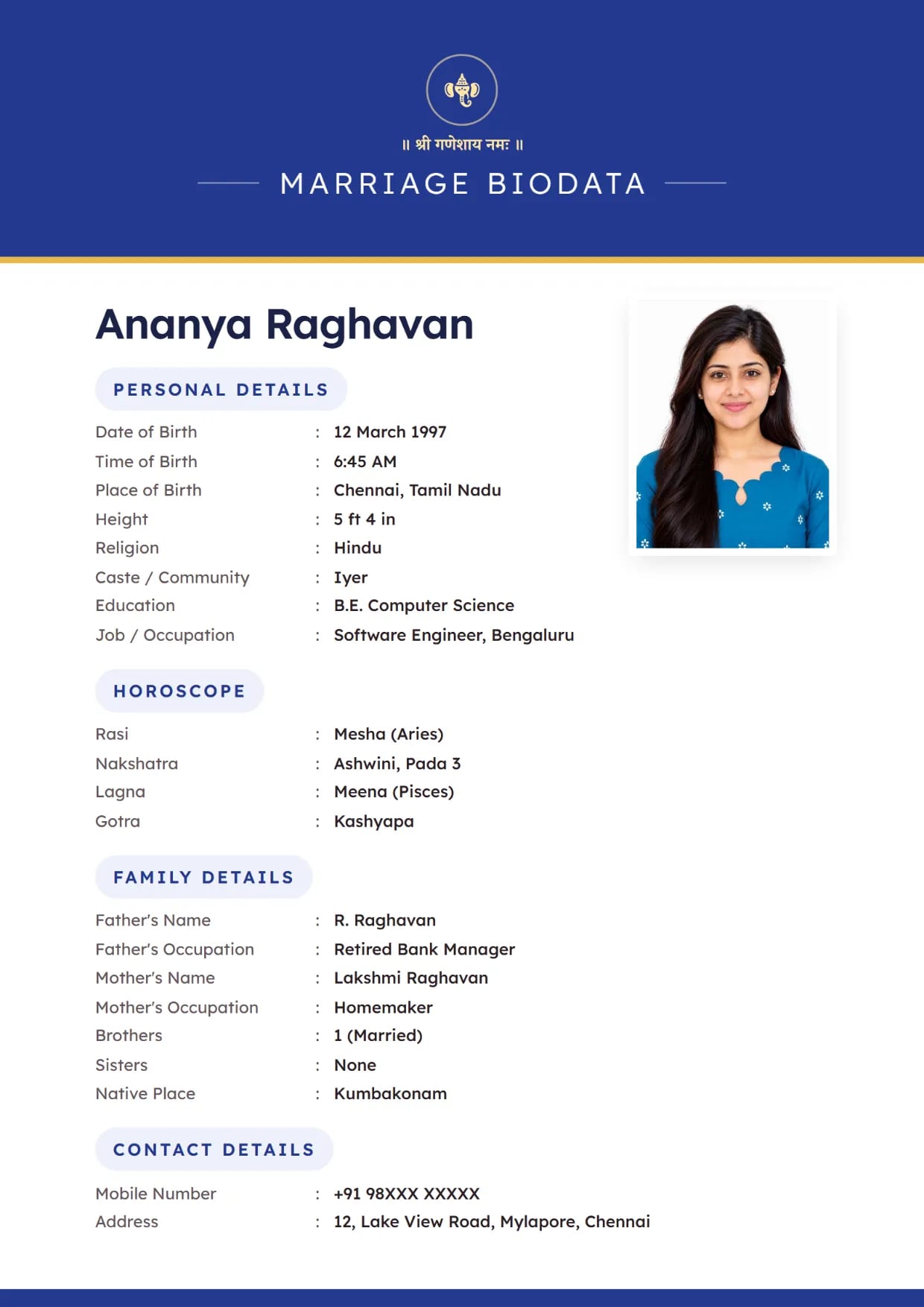
Classic Band, Royal BlueGirl's biodata with Ganesh ji Use This Design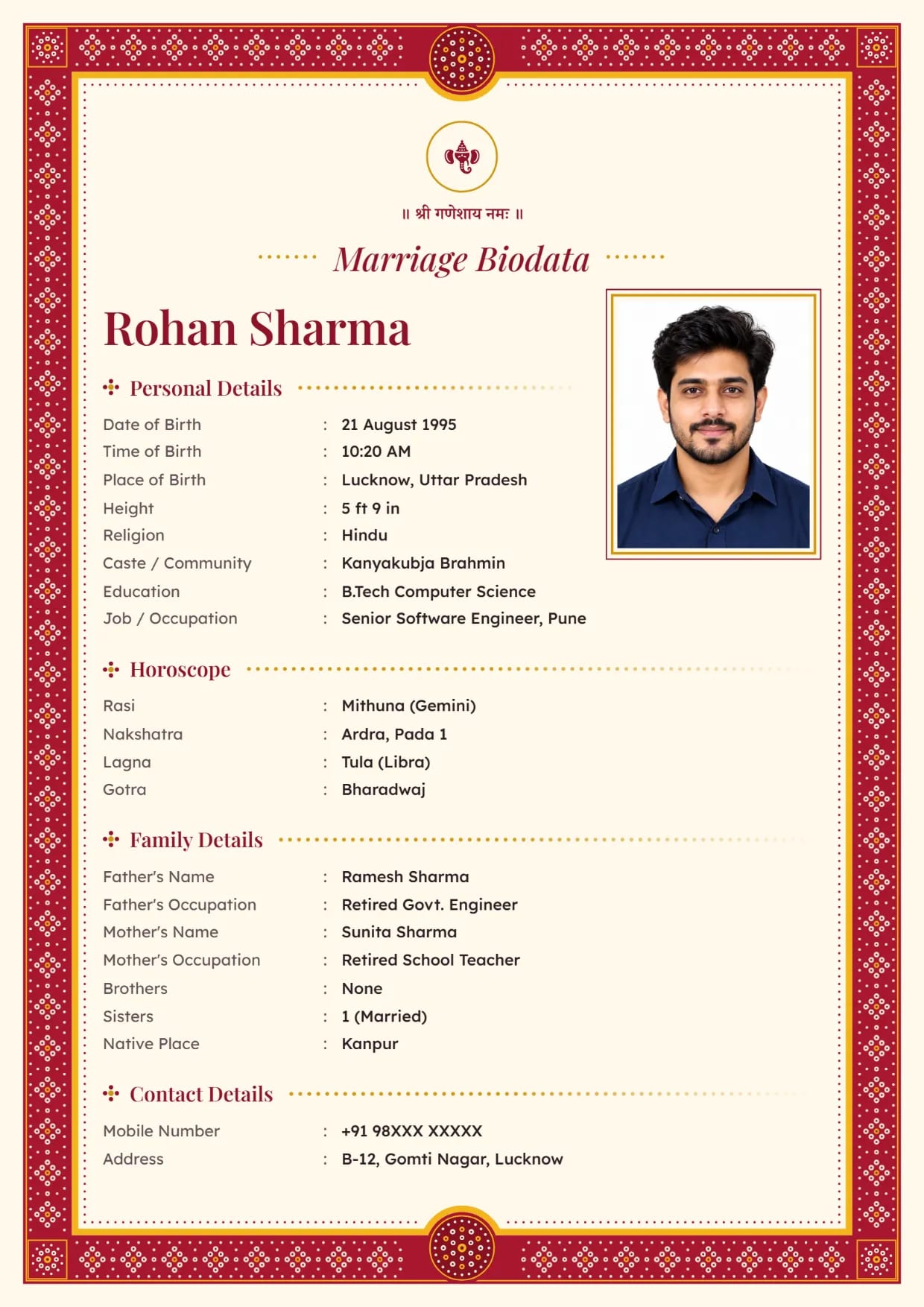
Bandhani Dots, Kumkum RedBoy's biodata with Ganesh ji Use This Design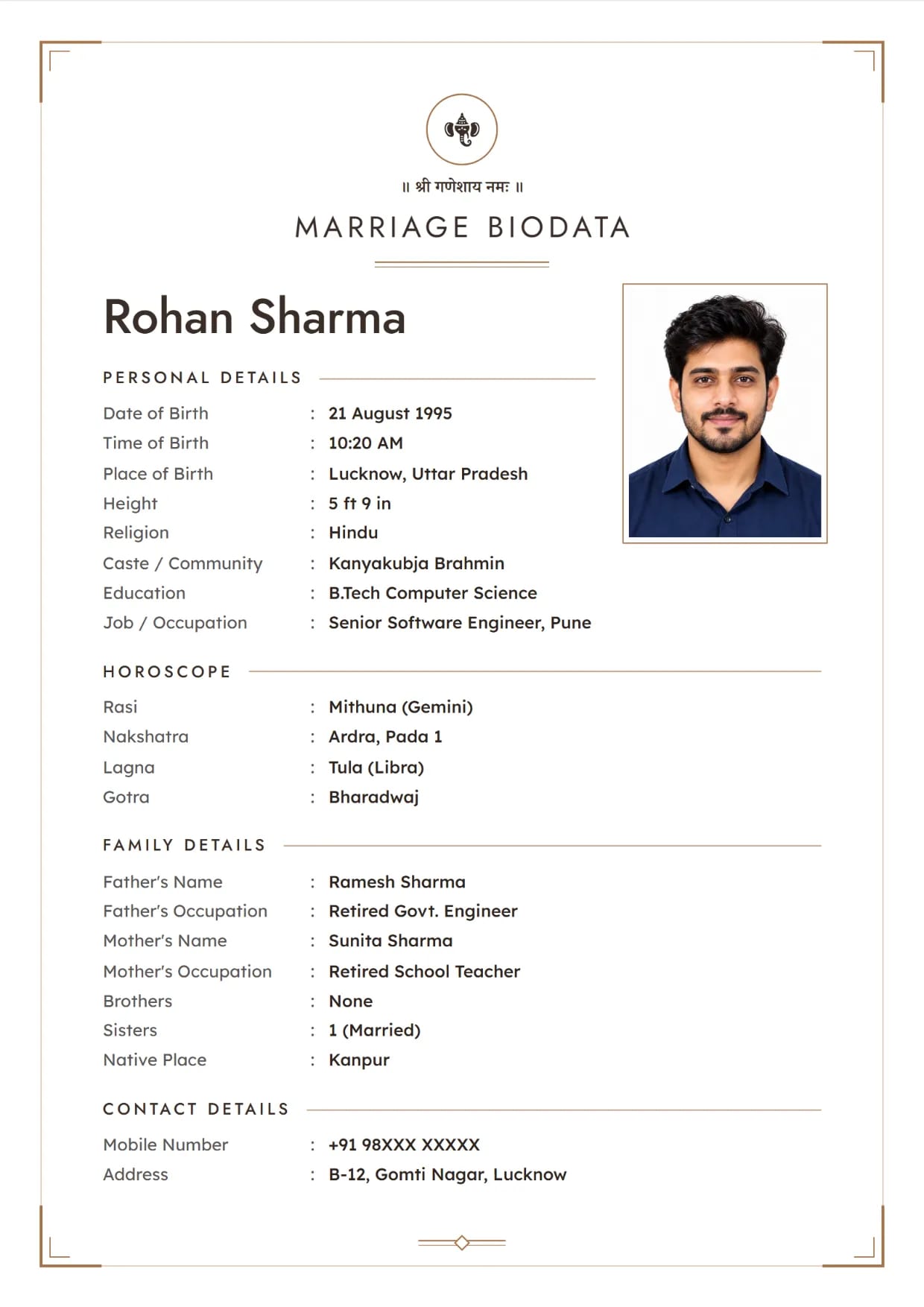
Charcoal Clean, Espresso BronzeBoy's biodata with Ganesh ji Use This Design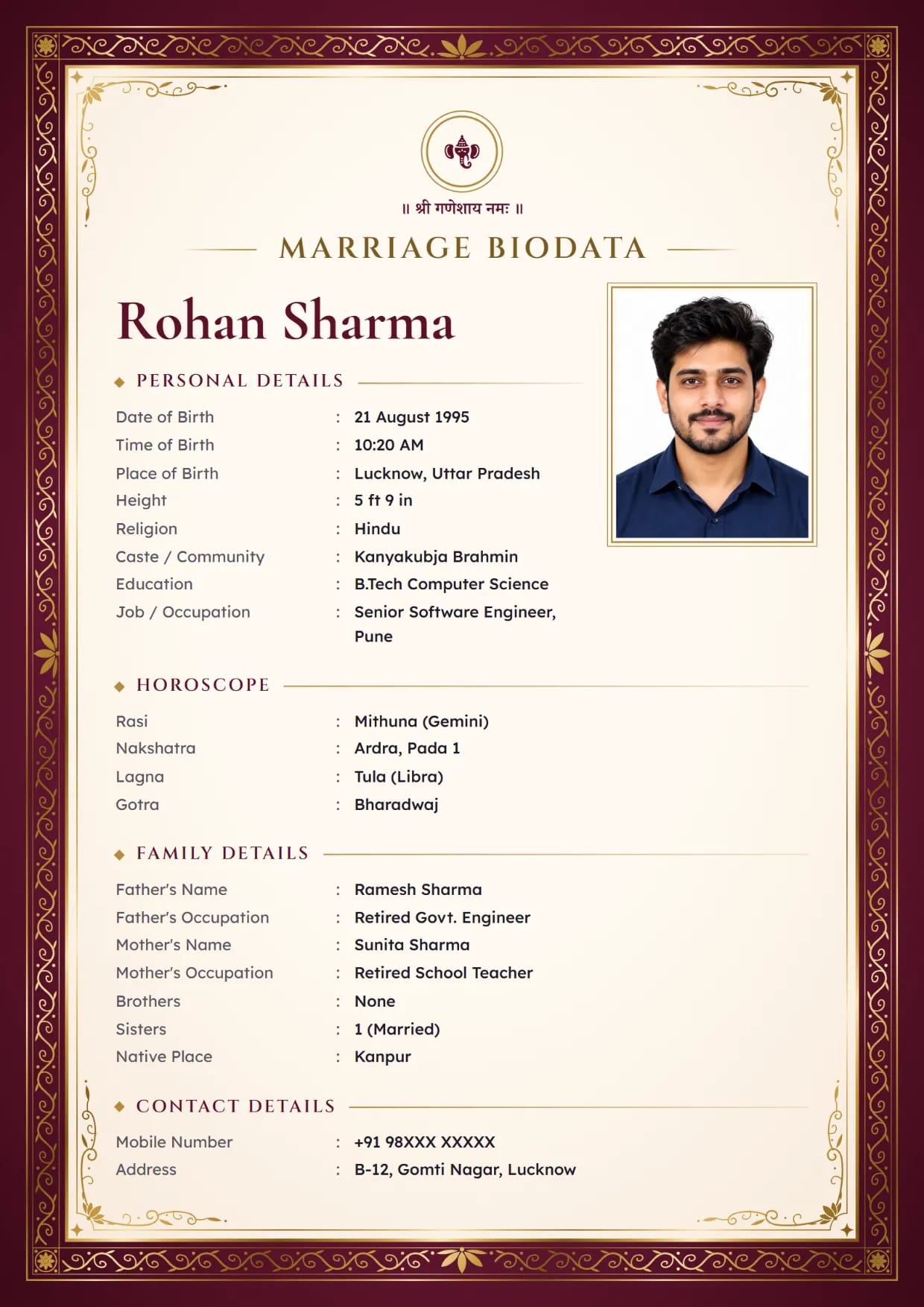
Gold Foil Royal, Royal WineBoy's biodata with Ganesh ji Use This Design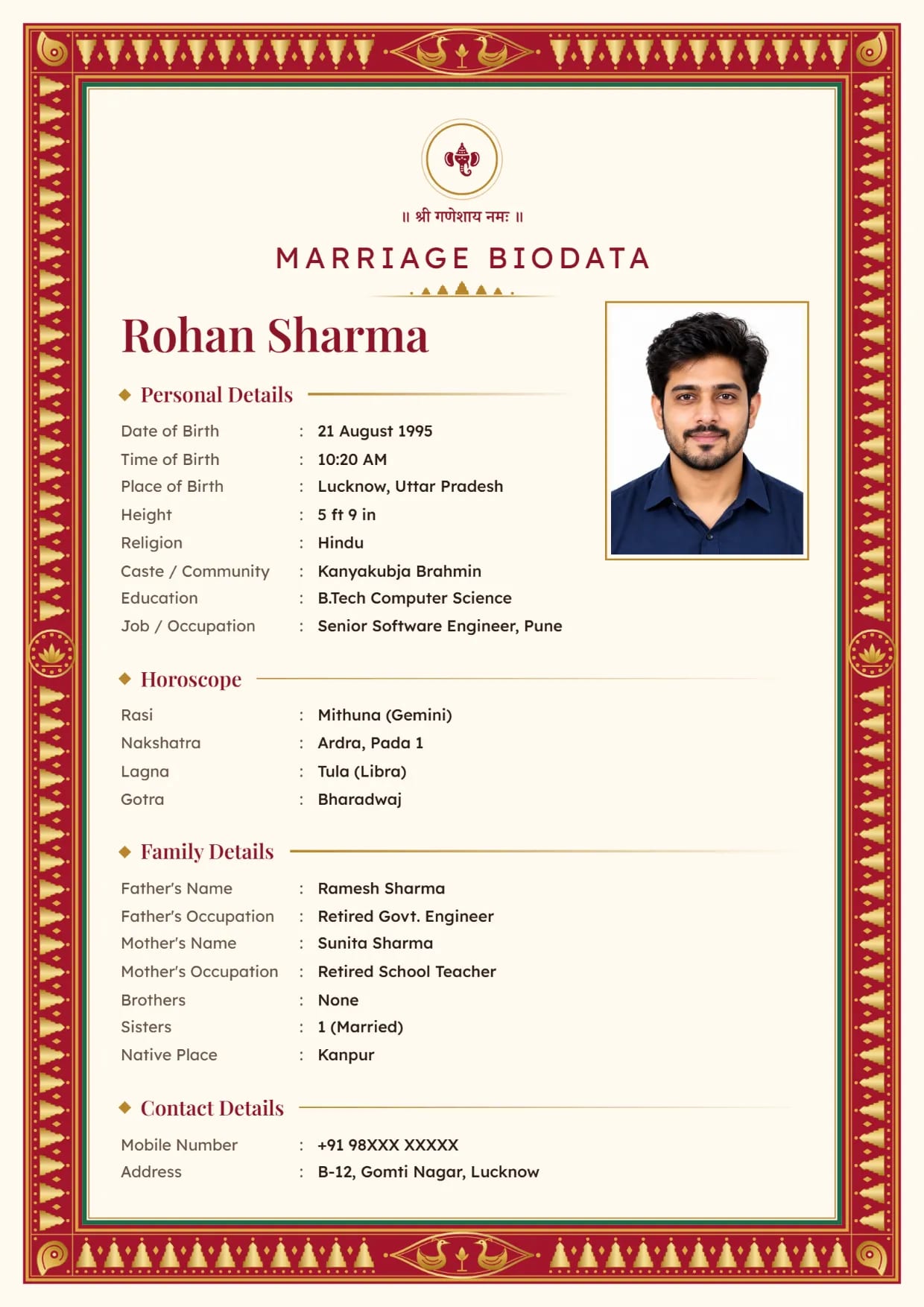
Kanjivaram Zari, Kumkum RedBoy's biodata with Ganesh ji Use This Design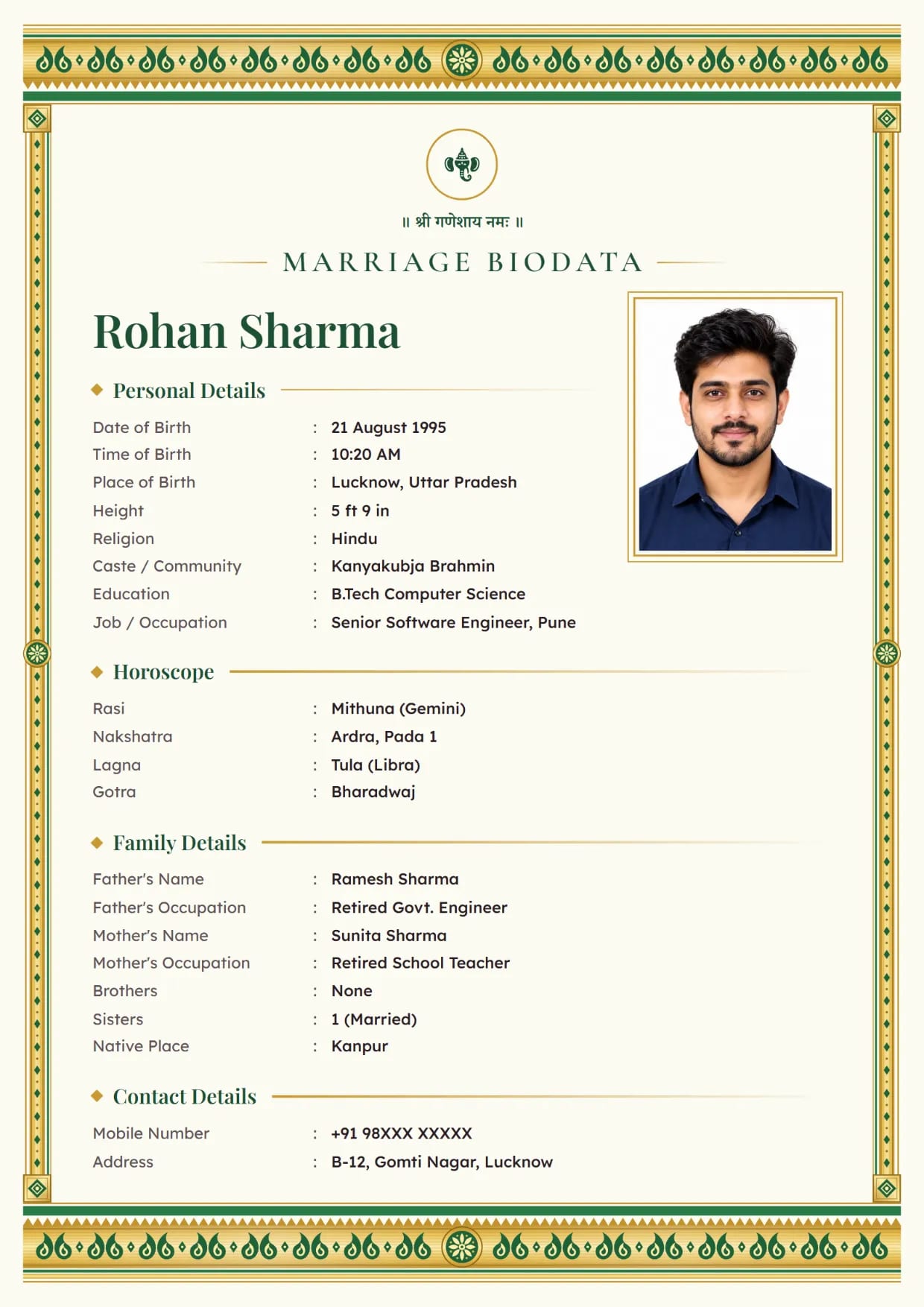
Kasavu Gold, Onam GreenBoy's biodata with Ganesh ji Use This Design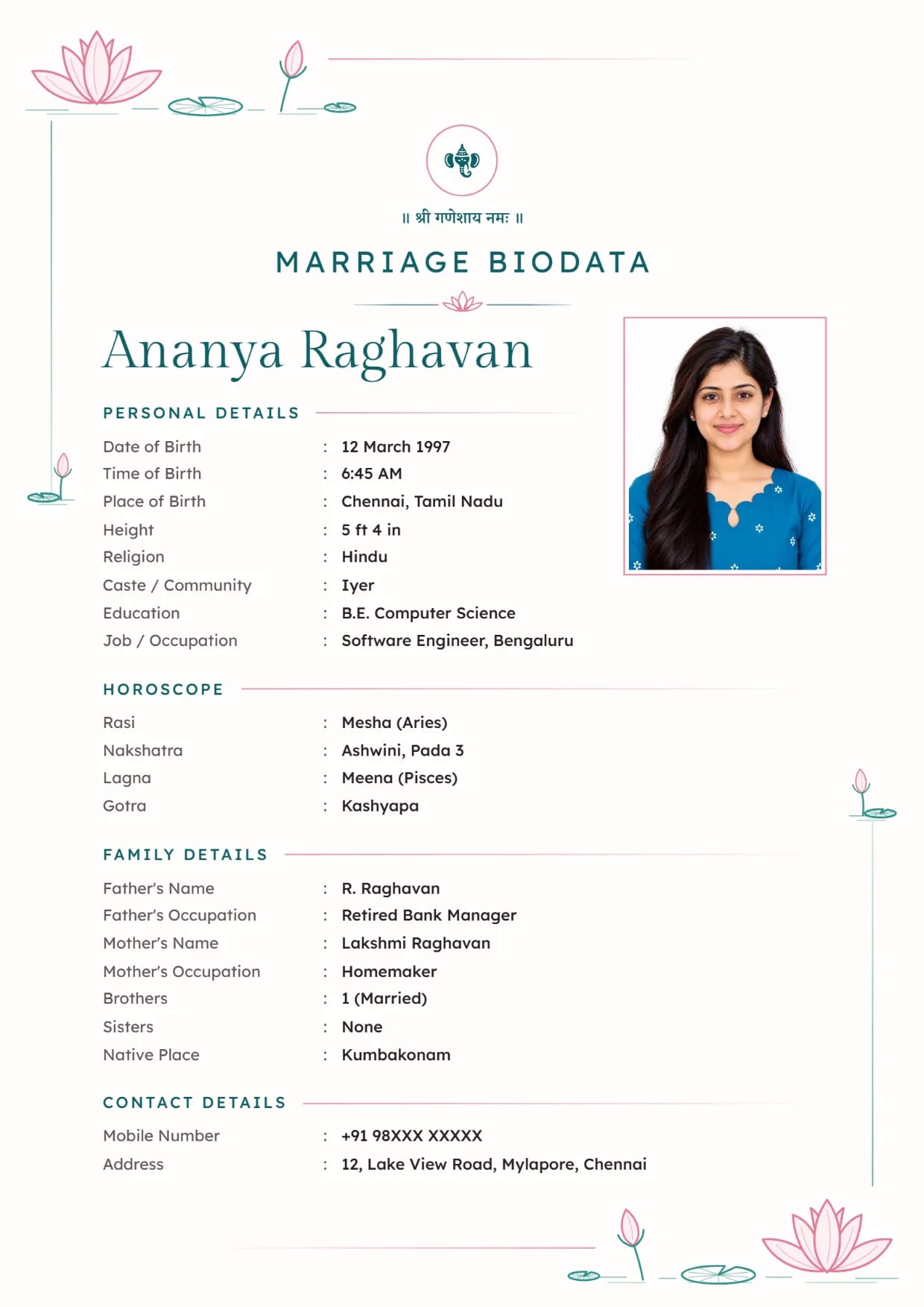
Lotus Line, Teal BlushGirl's biodata with Ganesh ji Use This Design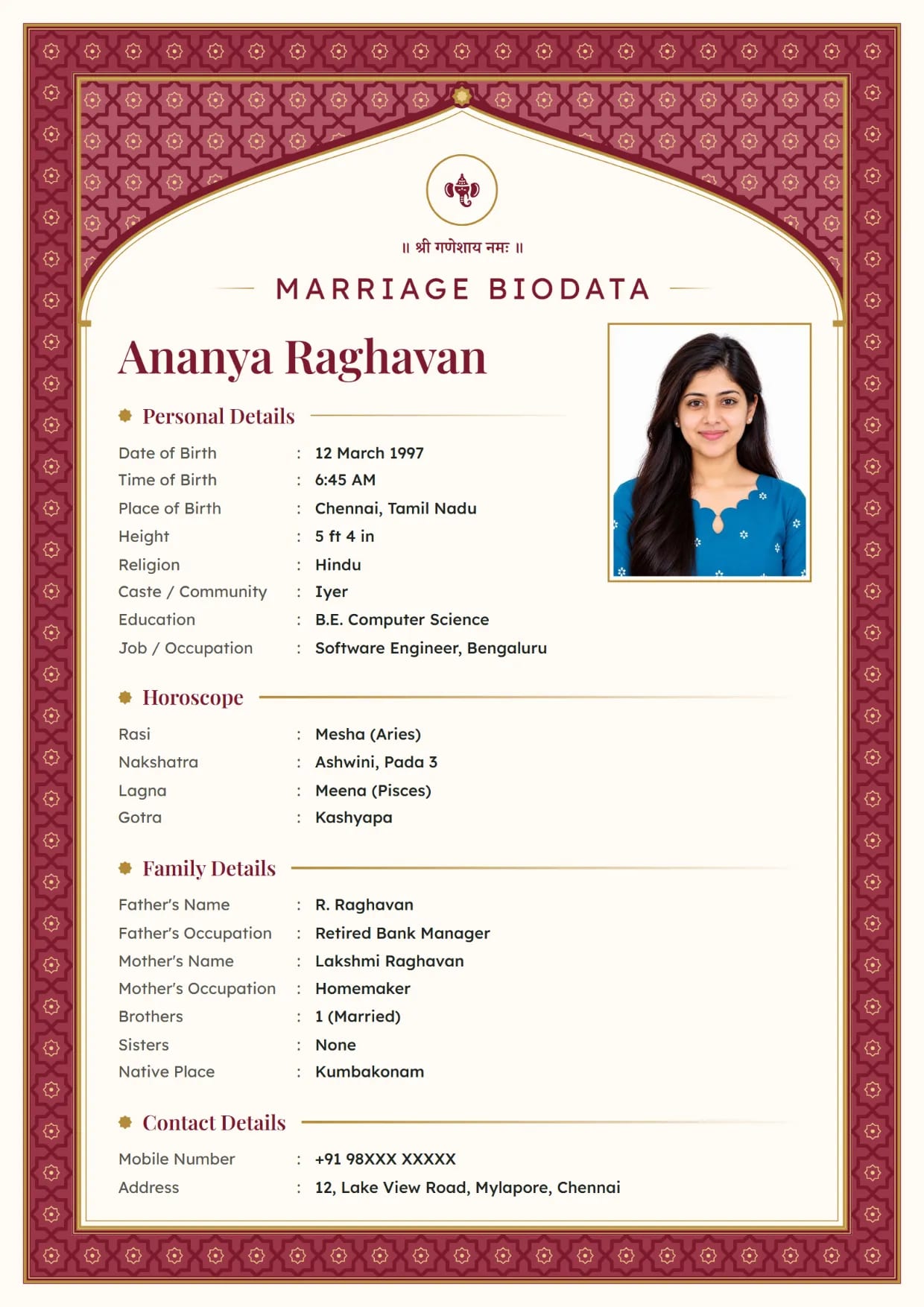
Mughal Jali, RubyGirl's biodata with Ganesh ji Use This Design
Common Questions
Can I Download My Marriage Biodata as an Image?
Yes. On the preview screen, tap Download Image. You get one JPG of the full biodata after you verify your mobile number once with an SMS code.
Is the Biodata Image Free?
Yes, on 63 of our 66 designs. The free image has a small "Made free at hellobiodata.com" line at the foot. Three premium designs and removing that line come with Biodata Plus.
Why Does My Biodata Image Look Blurry on WhatsApp?
WhatsApp compressed it. Send it again with the HD button turned on, or send it as a Document so the file is not touched.
Can I Get the Biodata as a PNG?
No. The image downloads as a JPG only. A JPG keeps the text sharp at this size and is smaller to forward, and WhatsApp turns photos into JPG anyway.
Can I Make the Image in Hindi or Marathi?
Yes. Choose the Biodata Language at the top of the form, from 12 languages including Hindi, Marathi, Tamil and Gujarati. The image prints in that language.
Can I Print the JPG Image?
You can, but print the PDF if you have the choice. The PDF prints at about twice the sharpness and always fits A4 paper exactly.
Related Pages
Ready to Make Yours?
Pick a design, fill in your details and download your biodata as a PDF or an image. Free to make.