
Marriage Biodata Without Photo
The photo is optional on every design here. If you do not upload one, the biodata prints with no photo box at all, and the name and details move up to fill the space. Download it free as a PDF or a JPG image, and add a photo later only if you decide to.
How to Make It Without a Photo
There is no setting to turn on. On the Contact screen you will see a card called Your Photo with an Upload Photo button. Leave it alone, fill in the contact details below it, and go to the preview.
If you added a photo earlier and changed your mind, tap Remove in the same card. The photo is taken off the biodata, and the next download has none.
Does It Look Empty at the Top?
No. When there is no photo, the design does not keep an empty frame or a grey outline of a person. The photo space closes up and the rest of the page moves up with it.
Look at the samples on this page. The top of each page holds the God symbol, the blessing line and the title, the same as a biodata with a photo. Only the box is gone.
Why Families Leave the Photo Out
A biodata on WhatsApp gets forwarded from group to group, and the family cannot call it back. Some families do not want a daughter's or son's photo going that far before they know who is asking.
Many Muslim families, and plenty of others, share photos only after the first talks. Some simply want the other side to read the education, job and family first. All of these are normal, and a biodata without photo is accepted across communities.
Telling Families a Photo Is Available
Write it on the biodata itself so nobody has to ask. In the Contact Details section, tap Add Your Own Field and type:
| Field Name | Details |
|---|---|
| Photo | Will be shared on request |
When a family replies, send the photo separately on WhatsApp. Or upload it in Your Photo and download a fresh copy of the biodata with the photo, only for that family.
Making the Top of the Page Do More Work
Without a photo, the first lines carry the first impression. Two things help.
Choose a God symbol that fits your family under Top of the Biodata: Ganesha, Om, 786, the cross, Khanda, Ik Onkar and others are there. Then keep the job and city in the Job / Occupation row short and clear, like "Chartered Accountant, Kochi". A reader then knows the essentials within the first few rows, photo or no photo.
Marriage biodata samples without photo
Tap a sample to see it full size. The names and details on them are made up.
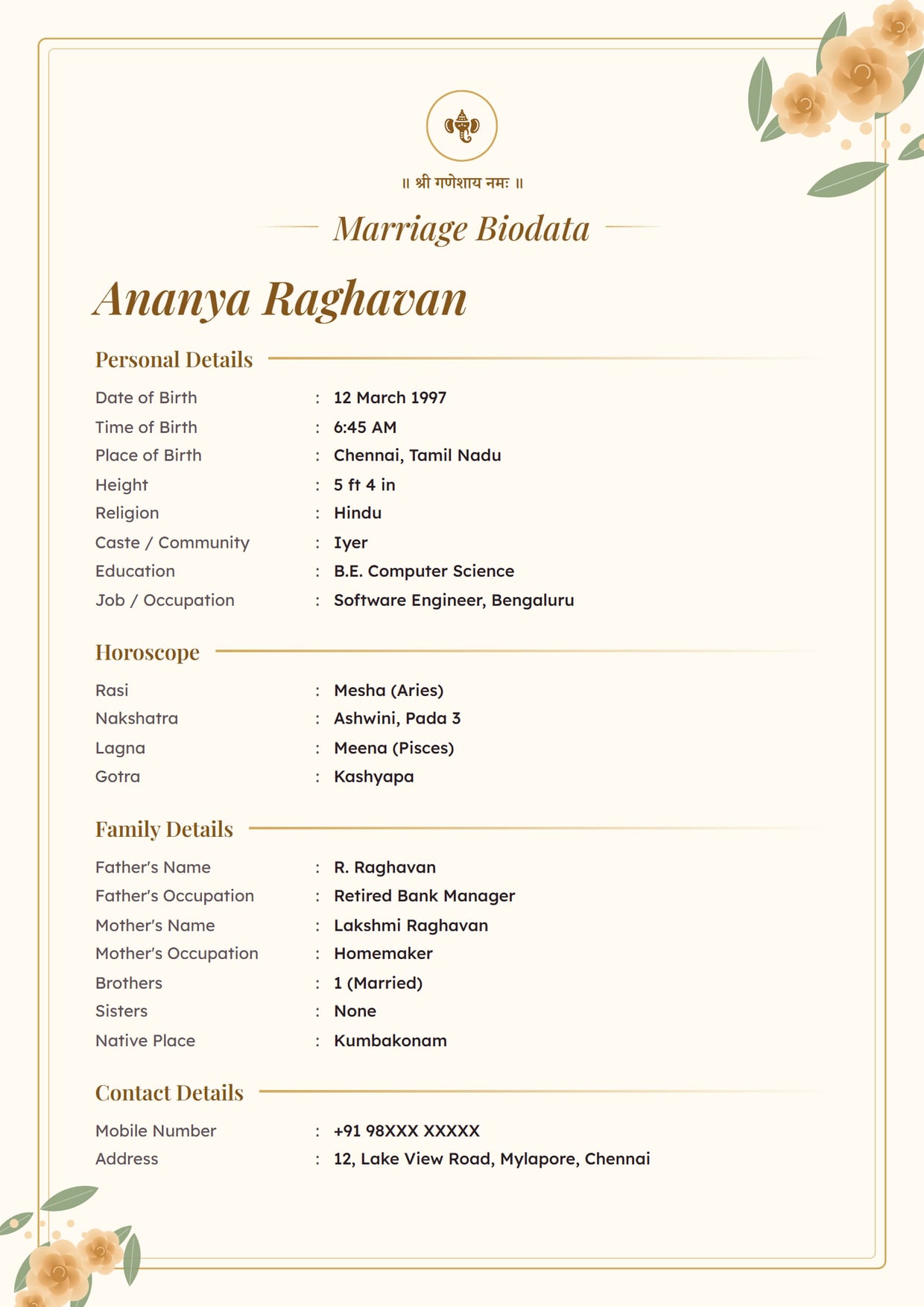
Rose Garden, Ivory GoldGirl's biodata, no photo, with Ganesh ji Use This Design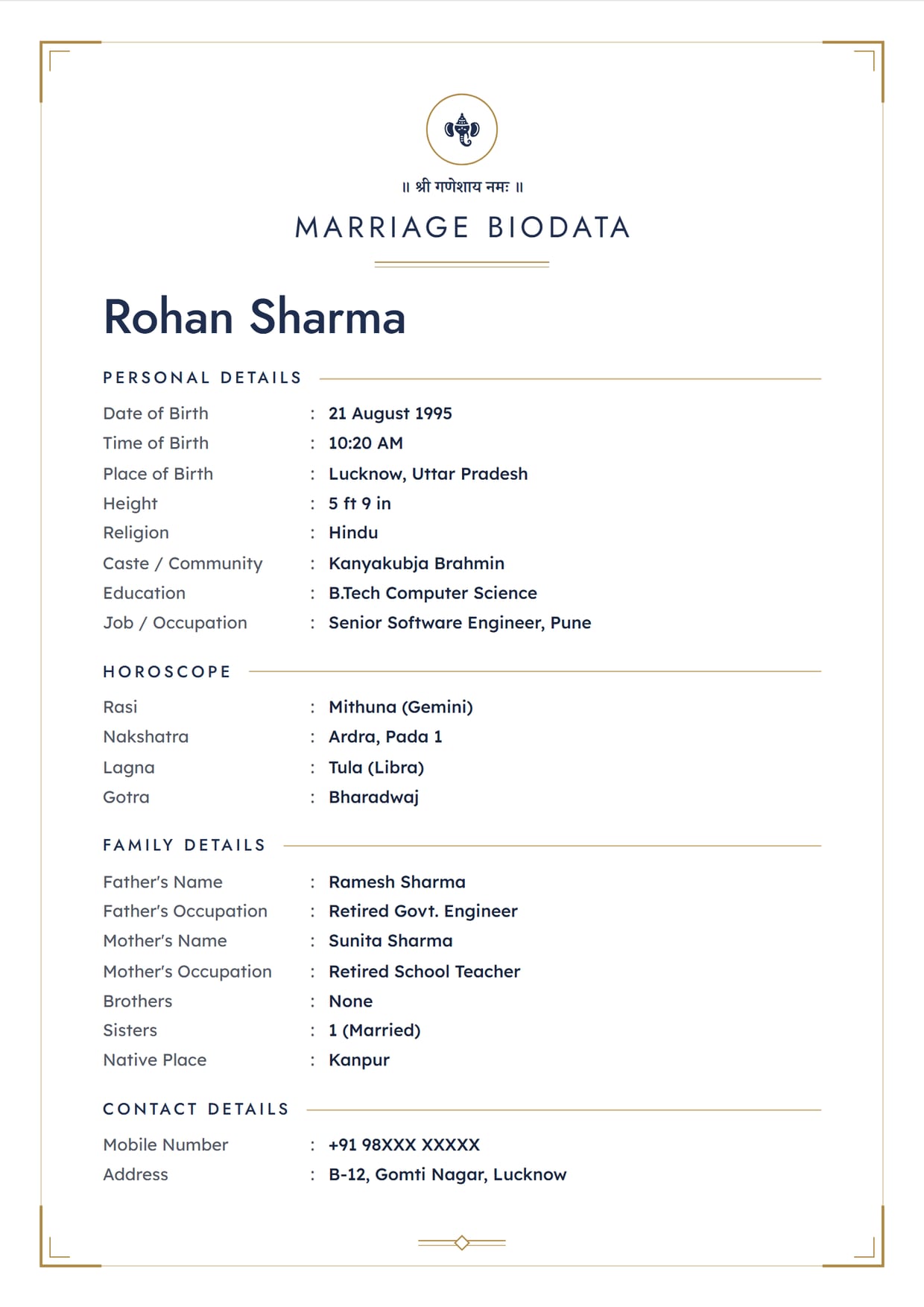
Charcoal Clean, Navy GoldBoy's biodata, no photo, with Ganesh ji Use This Design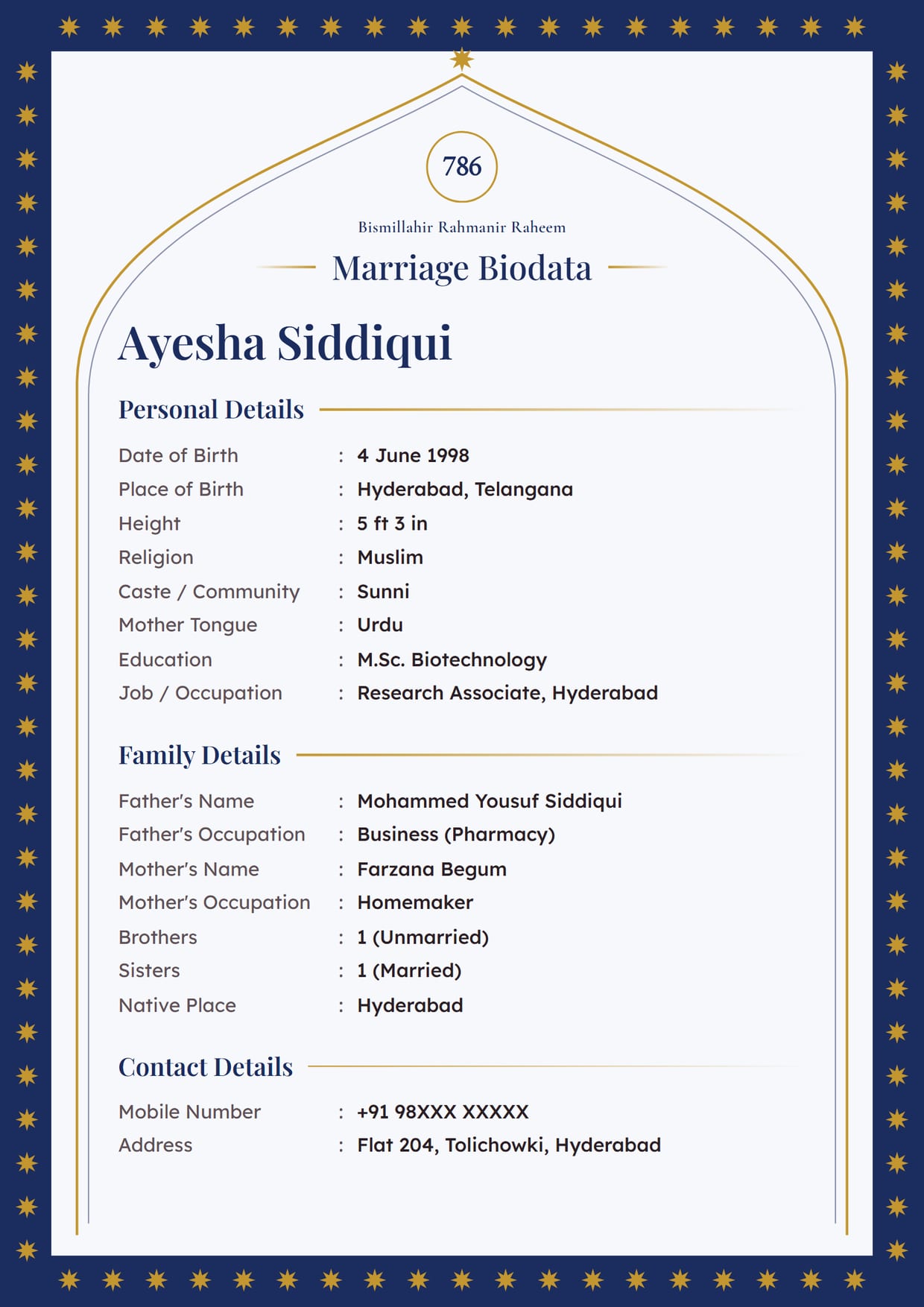
Emerald Arch, NavyMuslim girl's biodata, no photo, with 786 and Bismillah Use This Design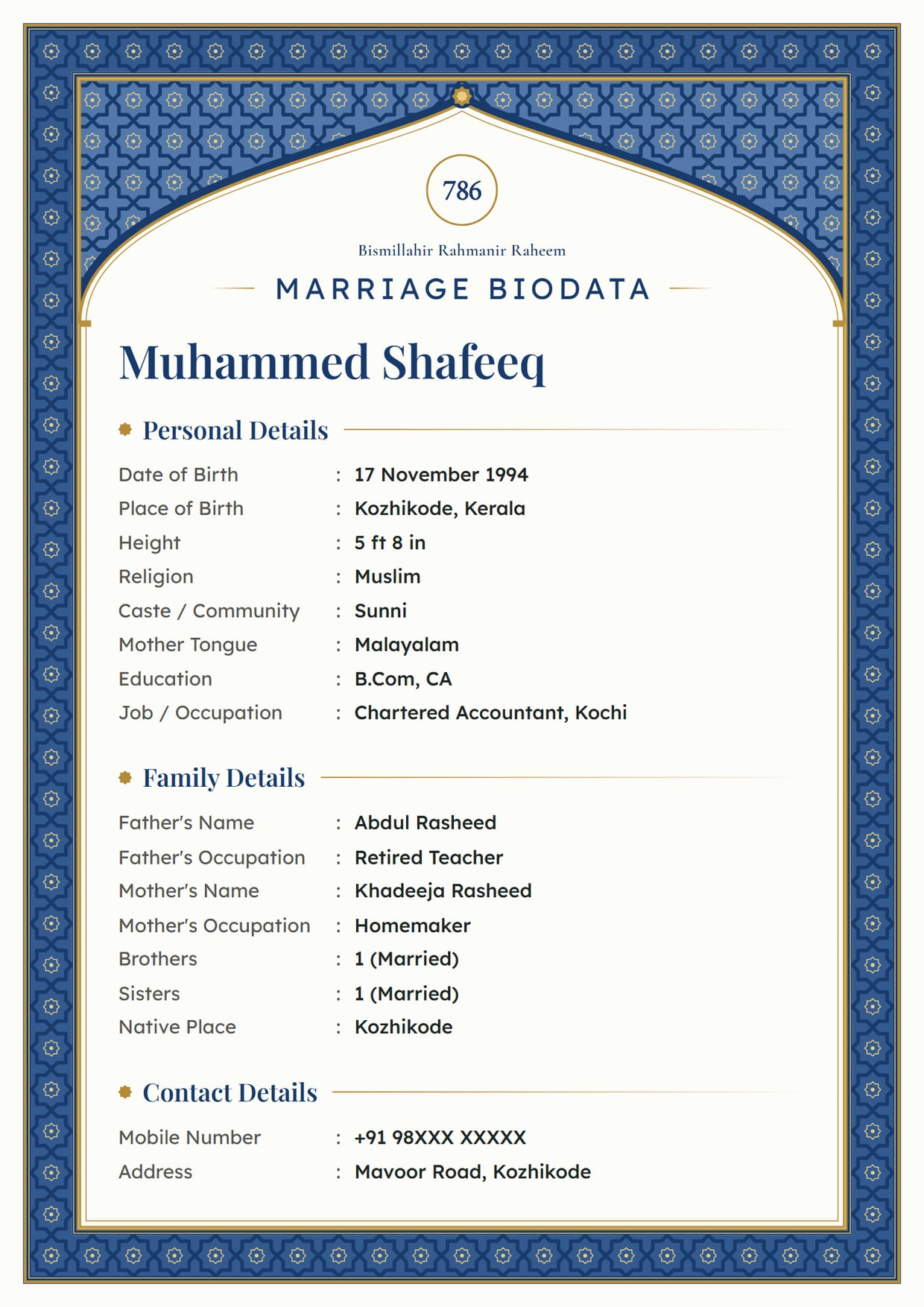
Mughal Jali, SapphireMuslim boy's biodata, no photo, with 786 and Bismillah Use This Design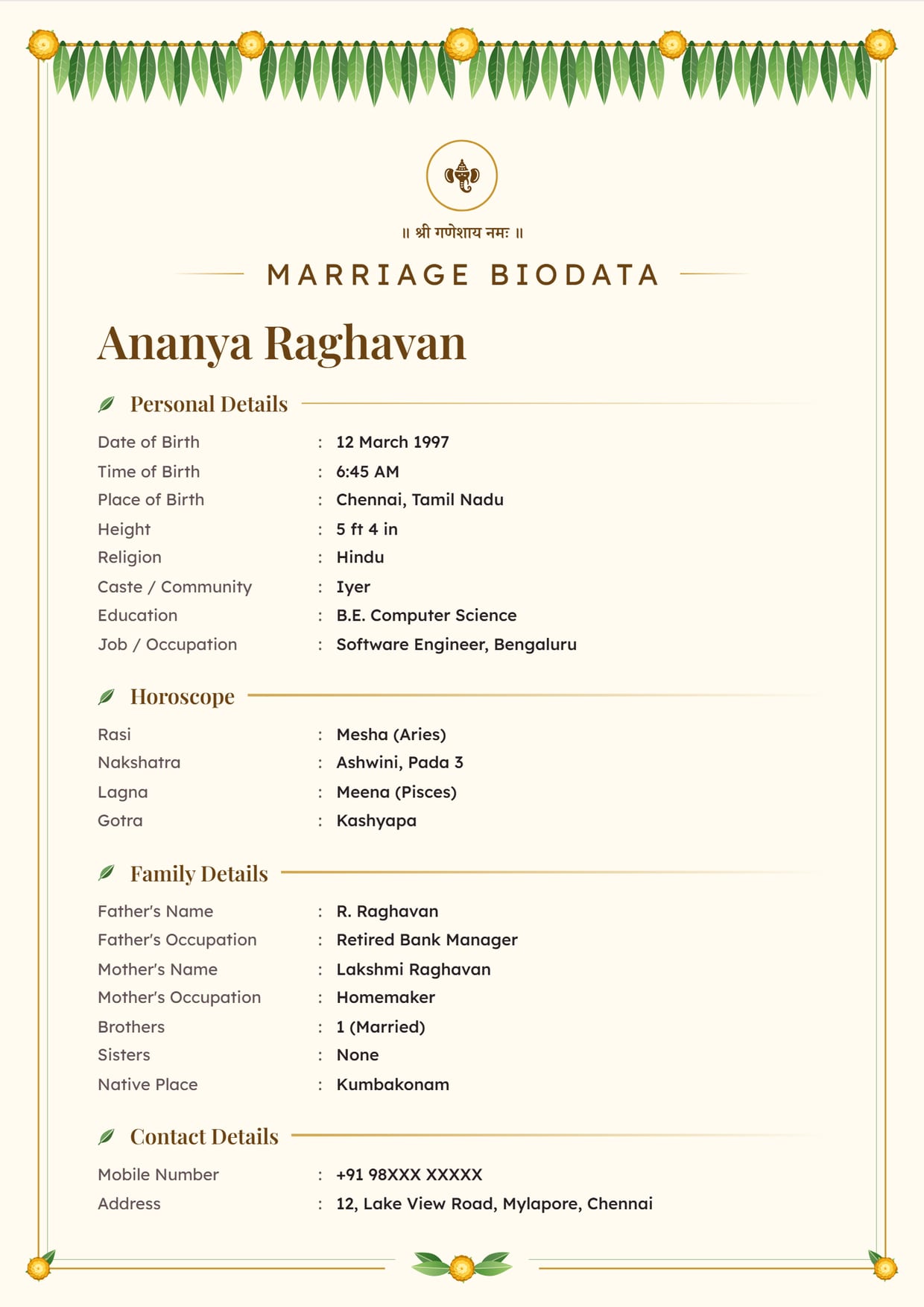
Mango Leaf, Sandal GoldGirl's biodata, no photo, with Ganesh ji Use This Design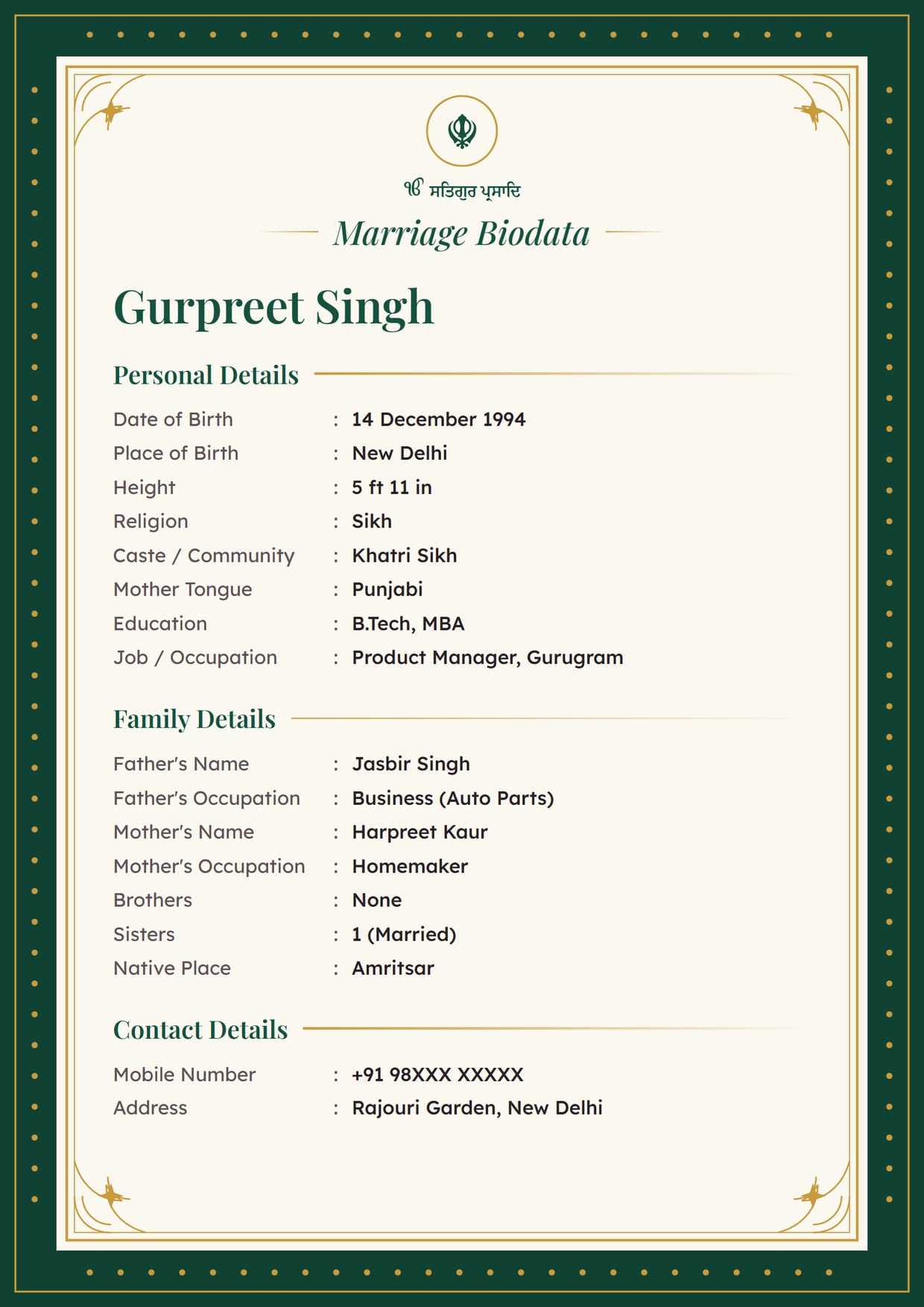
Royal Maroon, GreenSikh boy's biodata, no photo, with the Khanda and Ik Onkar Use This Design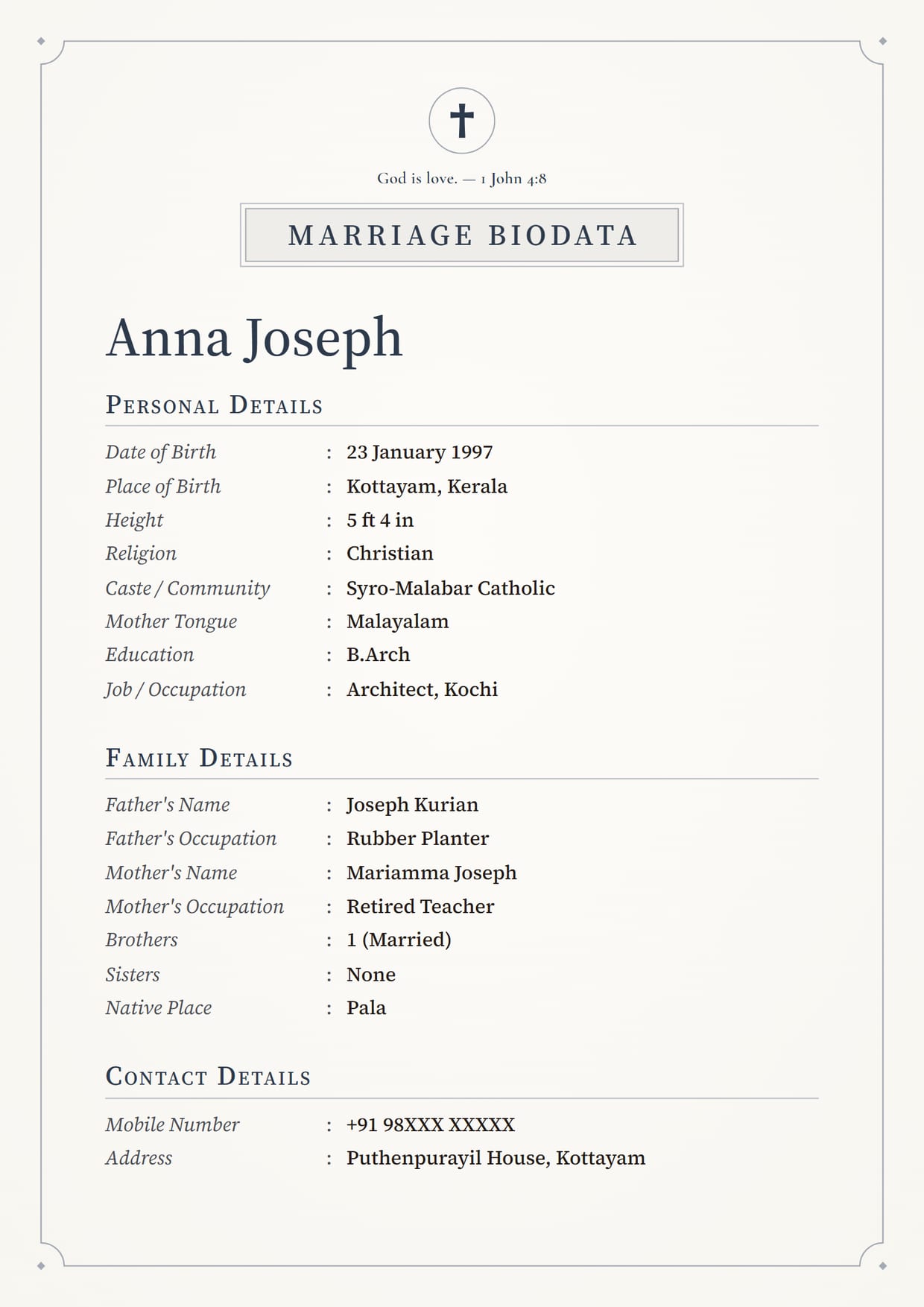
Linen Classic, SlateChristian girl's biodata, no photo, with a cross and a Bible verse Use This Design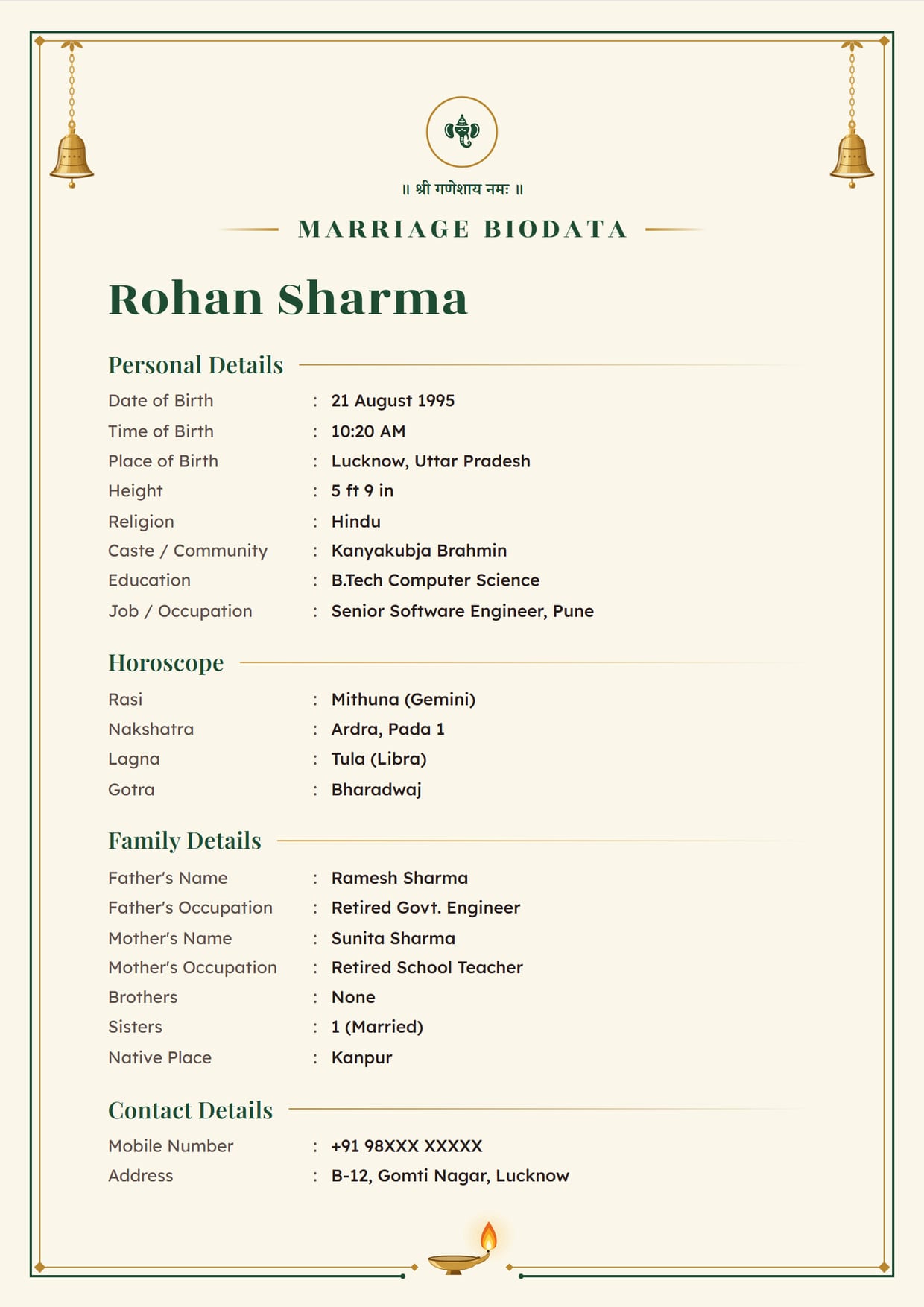
Temple Bell, Temple GreenBoy's biodata, no photo, with Ganesh ji Use This Design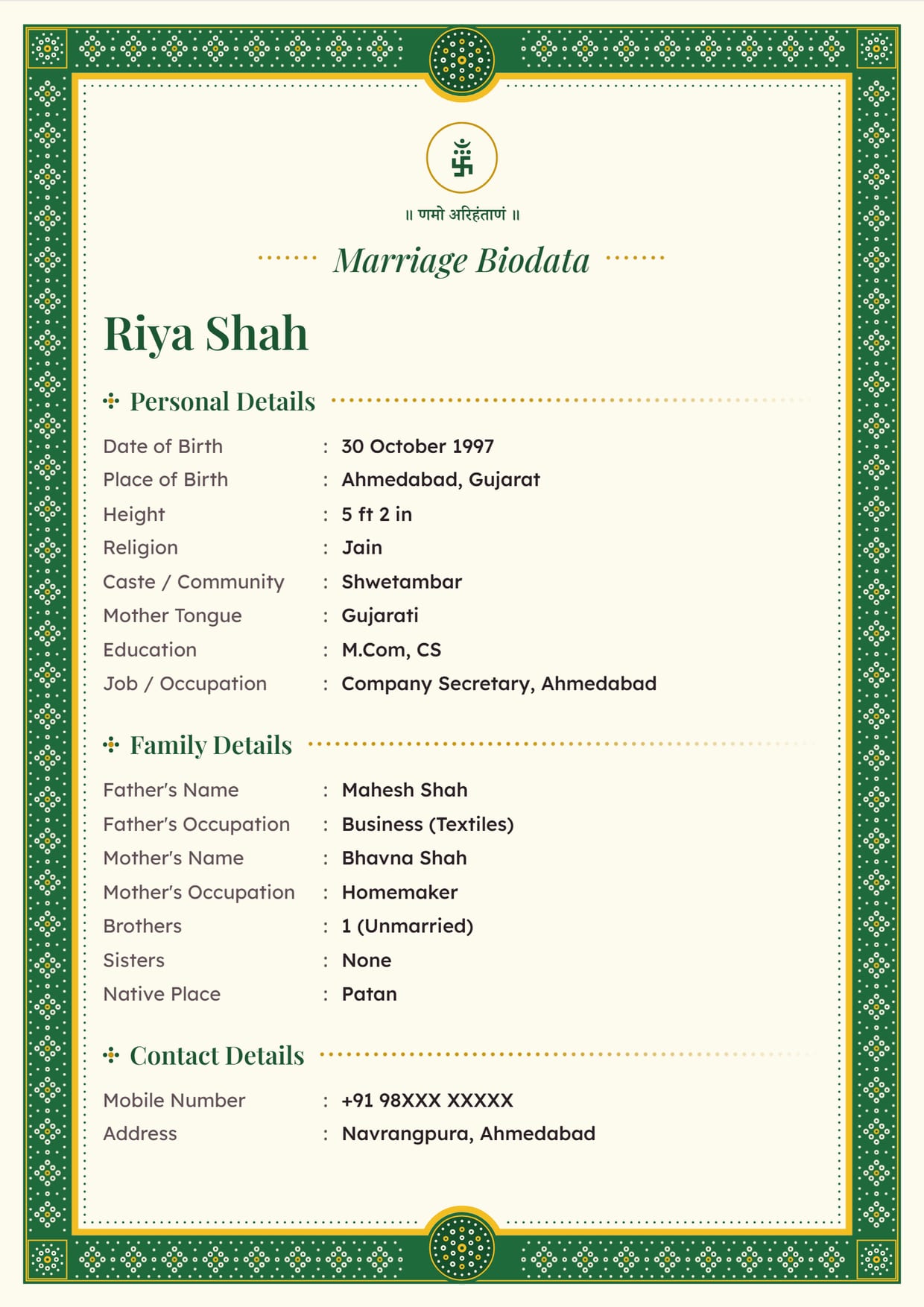
Bandhani Dots, Mehendi GreenJain girl's biodata, no photo, with Namo Arihantanam Use This Design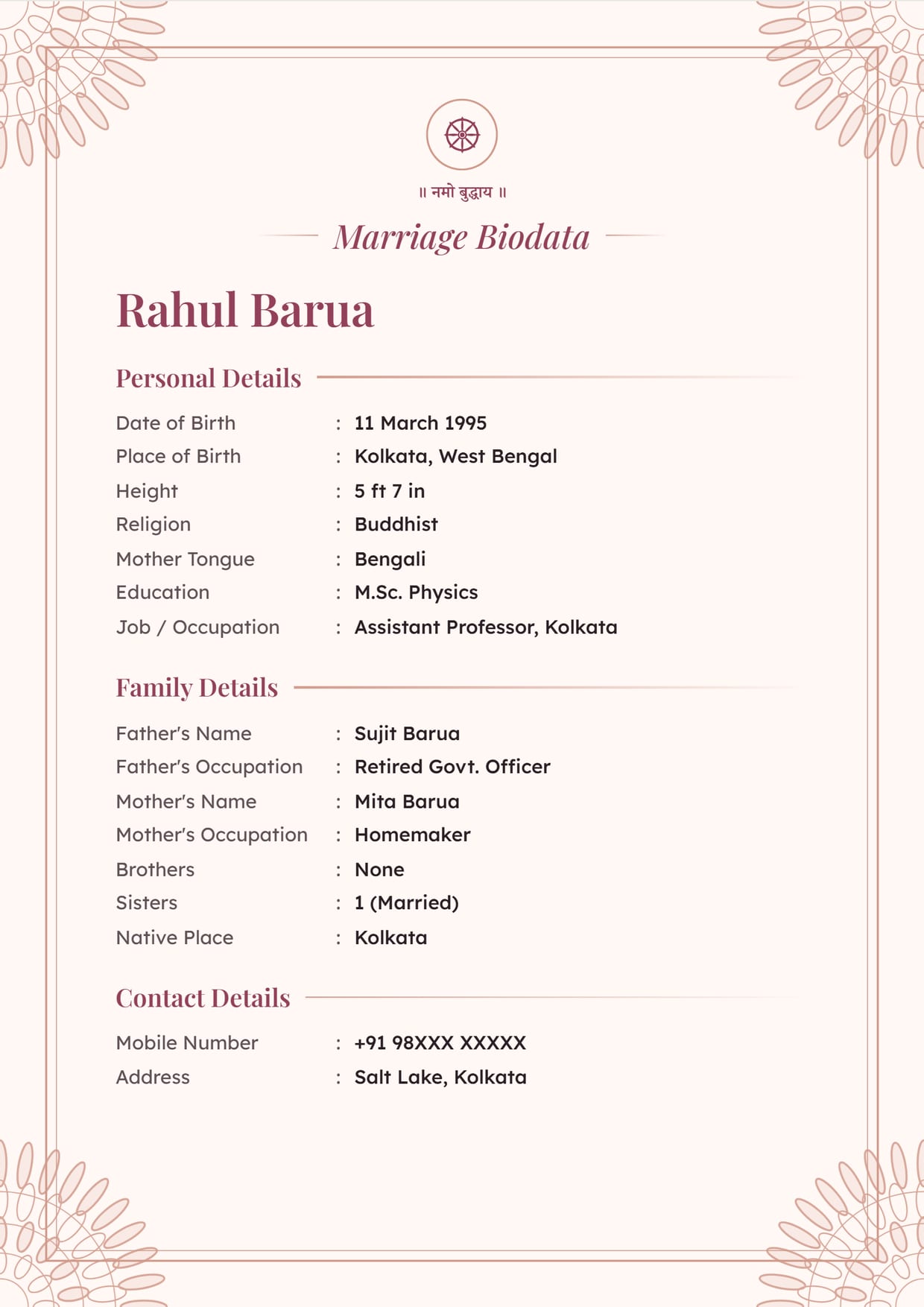
Golden Mandala, Rose GoldBuddhist boy's biodata, no photo, with the Dharma wheel Use This Design
Common Questions
Is It Okay to Make a Marriage Biodata Without Photo?
Yes. Many families send the first biodata without a photo and share the photo once both sides are interested. Nothing on the biodata is marked as missing.
Will a Biodata Without Photo Look Incomplete?
No. The design leaves out the photo box completely, so there is no empty space or blank frame on the page.
Can I Add a Photo Later?
Yes. Your biodata is saved on your verified mobile number. Open it, upload the photo in Your Photo and download again.
Is a Biodata Without Photo Common for Muslim Marriages?
Yes, many Muslim families prefer it for the first exchange. Our Muslim marriage biodata page has designs with 786 and Bismillah at the top that work well without a photo.
What Should I Write Instead of a Photo?
Nothing is needed. If you want, add a line "Photo: Will be shared on request" with Add Your Own Field in the Contact Details section.
Related Pages
Ready to Make Yours?
Pick a design, fill in your details and download your biodata as a PDF or an image. Free to make.