
Marriage Biodata Format PDF, Filled in and Ready to Print
Fill in your details, pick one of 66 designs and download your marriage biodata format PDF, an A4 page ready to print. You verify your mobile number once with an SMS code, and the free download is yours to keep, print or forward. The same biodata also downloads as a single JPG image.
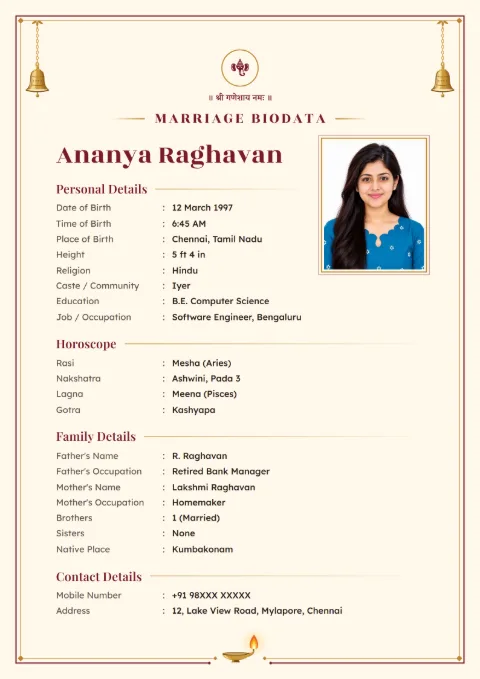
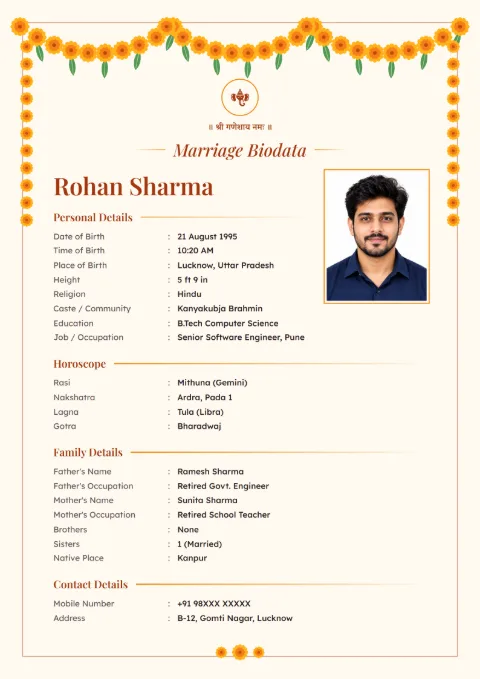
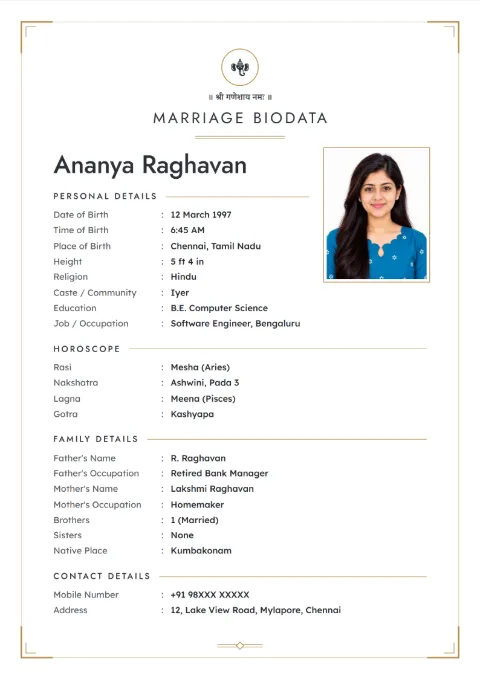
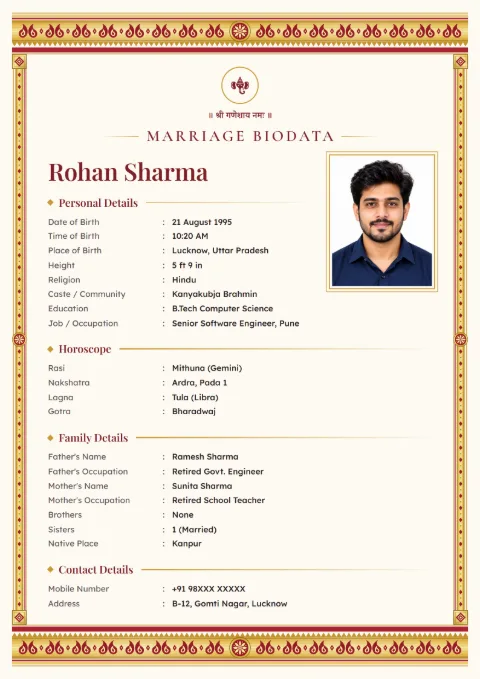
How Do You Make a Marriage Biodata Format PDF Here?
You fill a form on your phone and the app lays it out on the design you picked. There is no blank PDF to download and fill by hand. That saves the usual trouble of typing into a PDF on a mobile, where the text box never lines up.
- Pick a design from the gallery. Most of the 66 designs are free.
- Choose "This Biodata Is For: Male / Female" and type the Full Name.
- Verify your mobile number with the code we send by SMS. Only once.
- Fill personal details, horoscope, family details and contact details.
- Open the preview and tap Download PDF.
Keep the parents' and siblings' details ready before you start. That part takes the longest to type.
What Does the PDF Look Like?
The PDF is A4 size, the paper every home printer and photocopy shop in India uses. Your passport-size photo sits in the photo box, if you added one. Headings and labels print in whichever of our 12 languages you chose.
A free download carries one small line at the foot of the page: "Made free at hellobiodata.com". Nothing else is added.
A Sample of What Goes into the PDF
These details are made up for this page, for a girl from Mangaluru.
- Full Name: Lakshmi Prabhu
- Date of Birth: 22 June 1999, 3:05 am, Mangaluru
- Height: 5 ft 4 in
- Education: B.Sc. Nursing
- Job / Occupation: Staff nurse, district hospital, Udupi
- Rasi: Kanya (Virgo). Nakshatra: Hasta. Lagna: Mesha
- Father: G. Prabhu, retired postmaster. Mother: L. Shanthi, homemaker
- Brothers: 1 elder brother (married, Pune)
- Native Place: Karkala
- Mobile Number: 94XXX XXXXX
Notice the 3:05 am birth time. A night birth is easy to write as pm by mistake. Check the hospital record, because a 12-hour slip changes the lagna completely.
Can You Edit the PDF After Downloading It?
Not the PDF itself. Edit the biodata in the app and download a new PDF. Your biodata stays saved on your mobile number, so open it, change the line, and download again. It takes a minute.
This is better than editing a PDF anyway. A PDF edited in a phone app often shifts the text out of line, and the other family notices.
When to Send the PDF and When to Send the Image
| Situation | Send |
|---|---|
| The other family wants a printout | |
| The biodata goes to an astrologer or a marriage bureau | |
| Relatives will open it on WhatsApp | Image (JPG) |
| An elder reads on an old phone that struggles with PDFs | Image (JPG) |
The JPG holds every page in one picture, so nobody has to swipe through pages. Our page on making a simple one-page biodata helps if you want the image to stay short.
How to Print the PDF Well
Print at 100% or "actual size", not "fit to page", so the margins stay even. Use 100 gsm paper or thicker if the biodata will be handed over in person. A colour print shows the design border properly. Black and white is fine for a broker's file.
What to Keep off the PDF Before You Share It
A PDF on WhatsApp can be forwarded many times, to people you will never meet. Leave the full home Address out of the first version and write only Current City. Give one Mobile Number, ideally a parent's.
Annual Income and Property can wait for the second conversation, once you know the family a little.
Marriage biodata PDF samples
Tap a sample to see it full size. The names and details on them are made up.
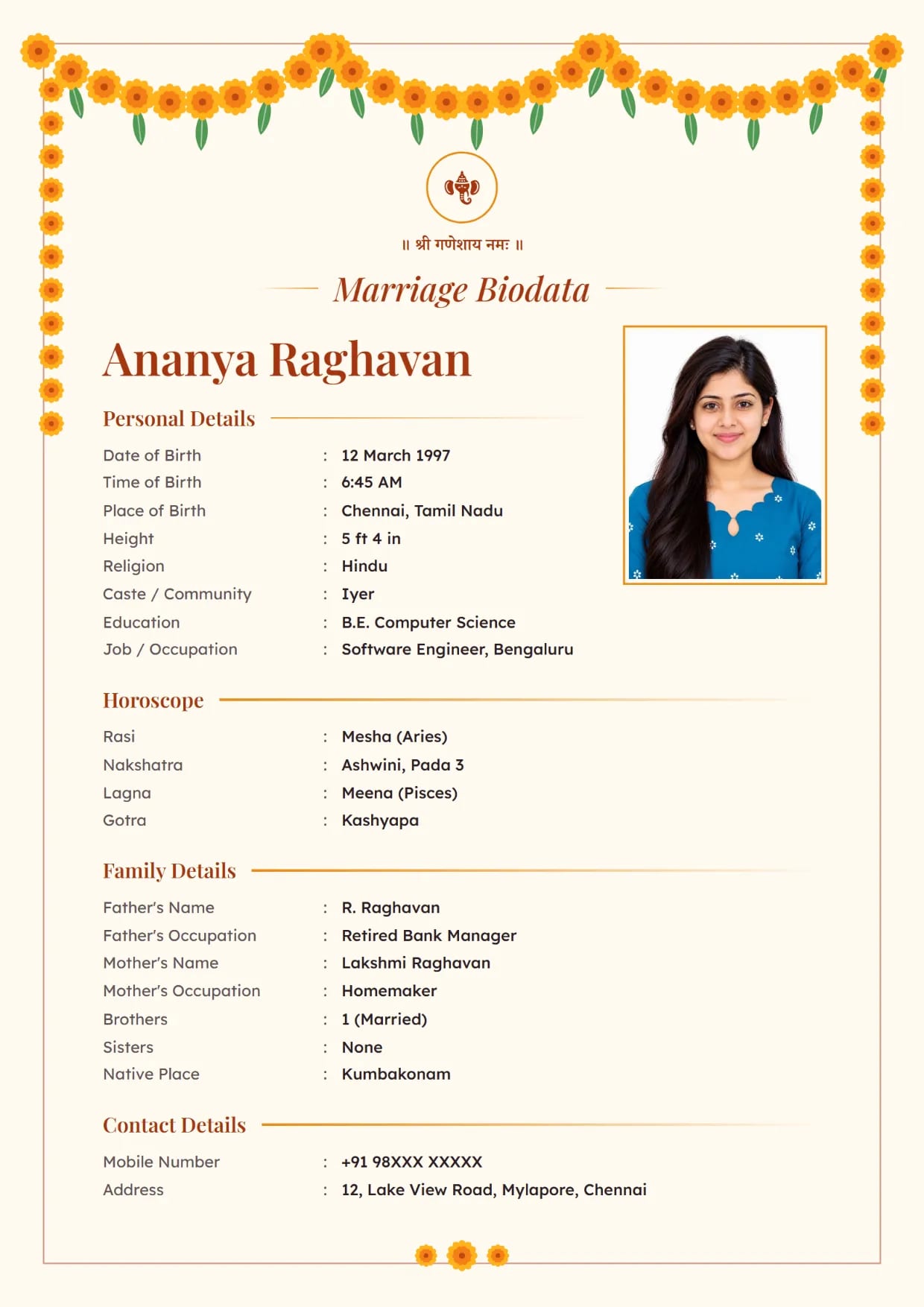
Marigold Toran, SaffronGirl's biodata with Ganesh ji Use This Design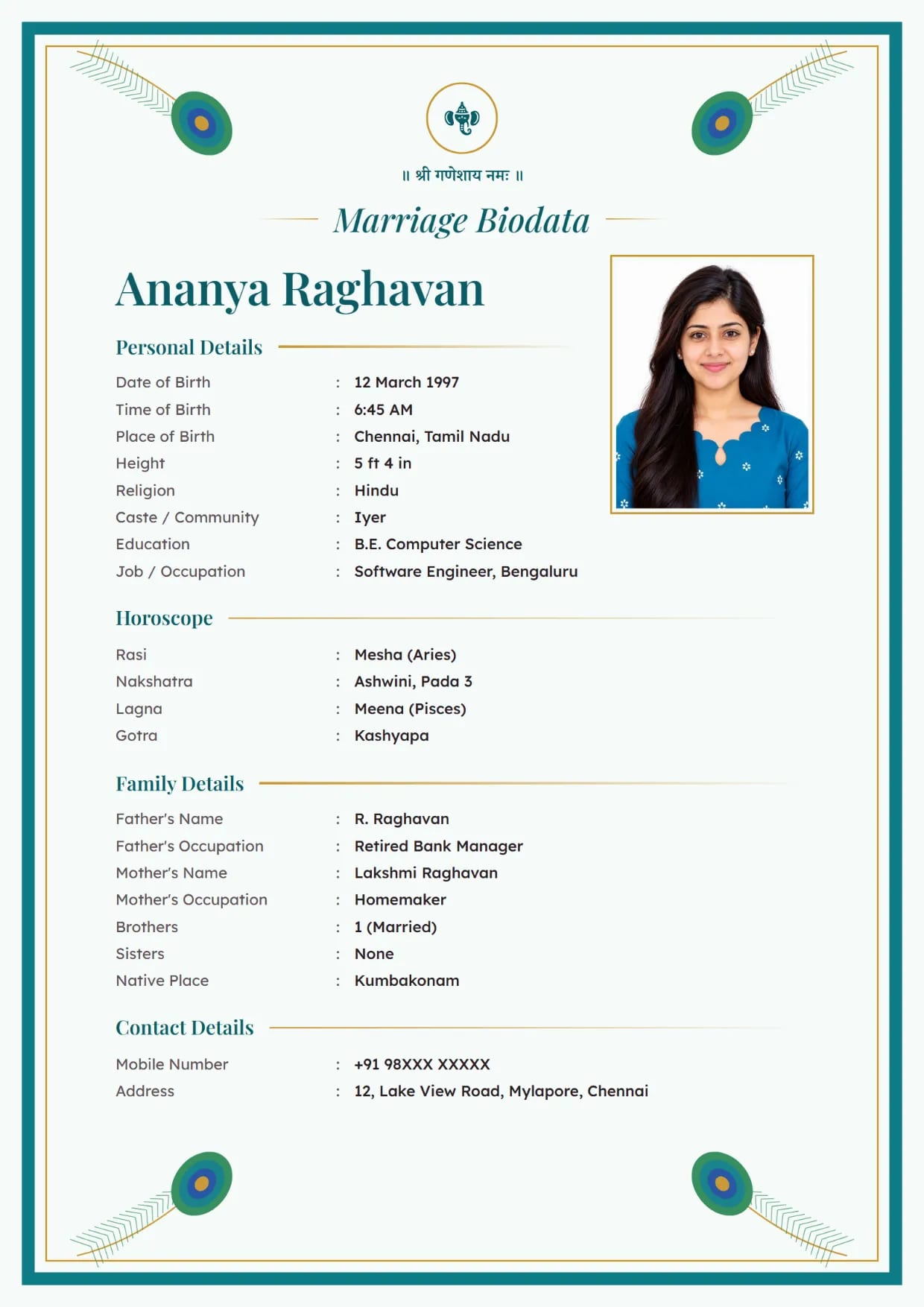
Peacock Grace, PeacockGirl's biodata with Ganesh ji Use This Design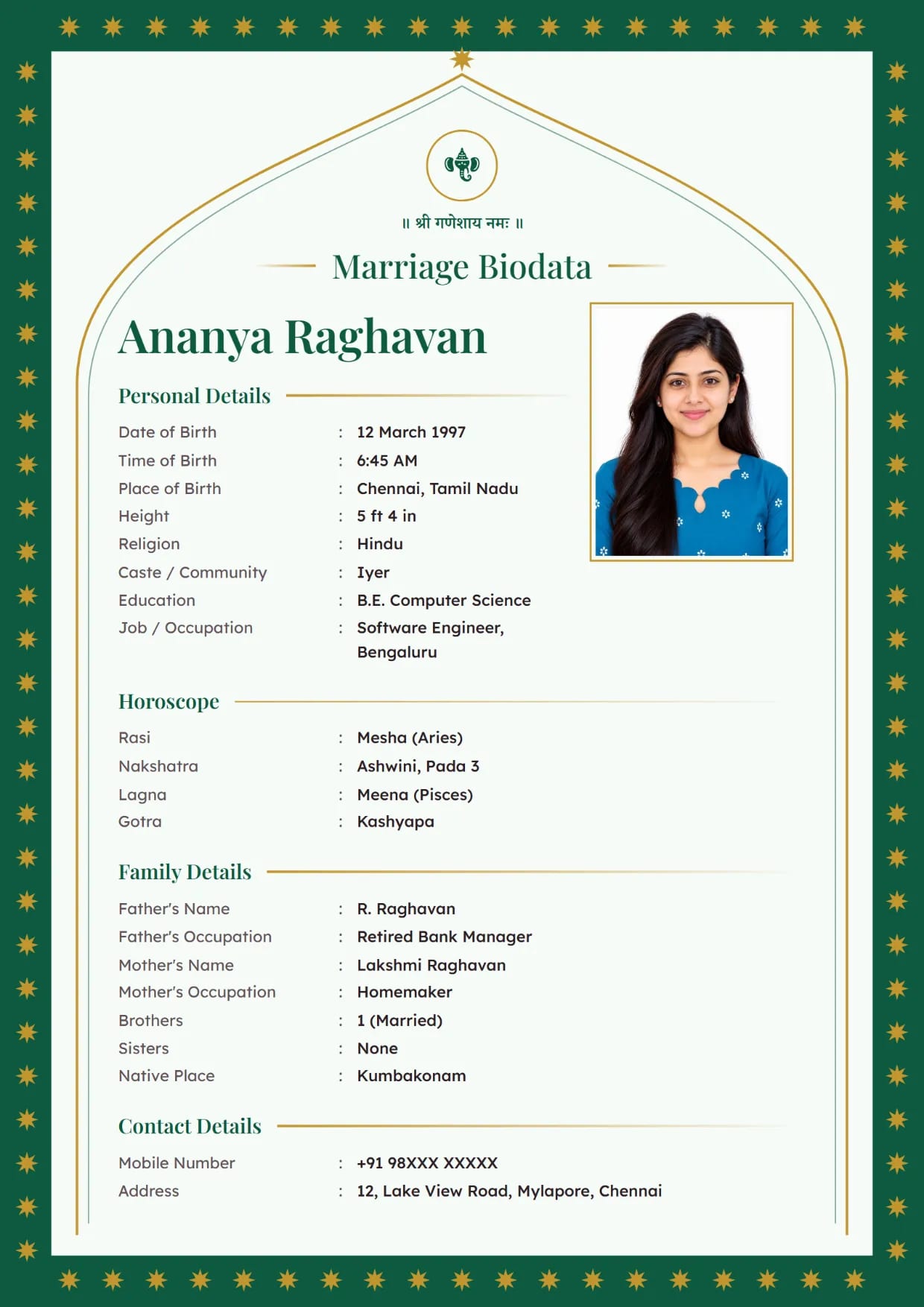
Emerald Arch, EmeraldGirl's biodata with Ganesh ji Use This Design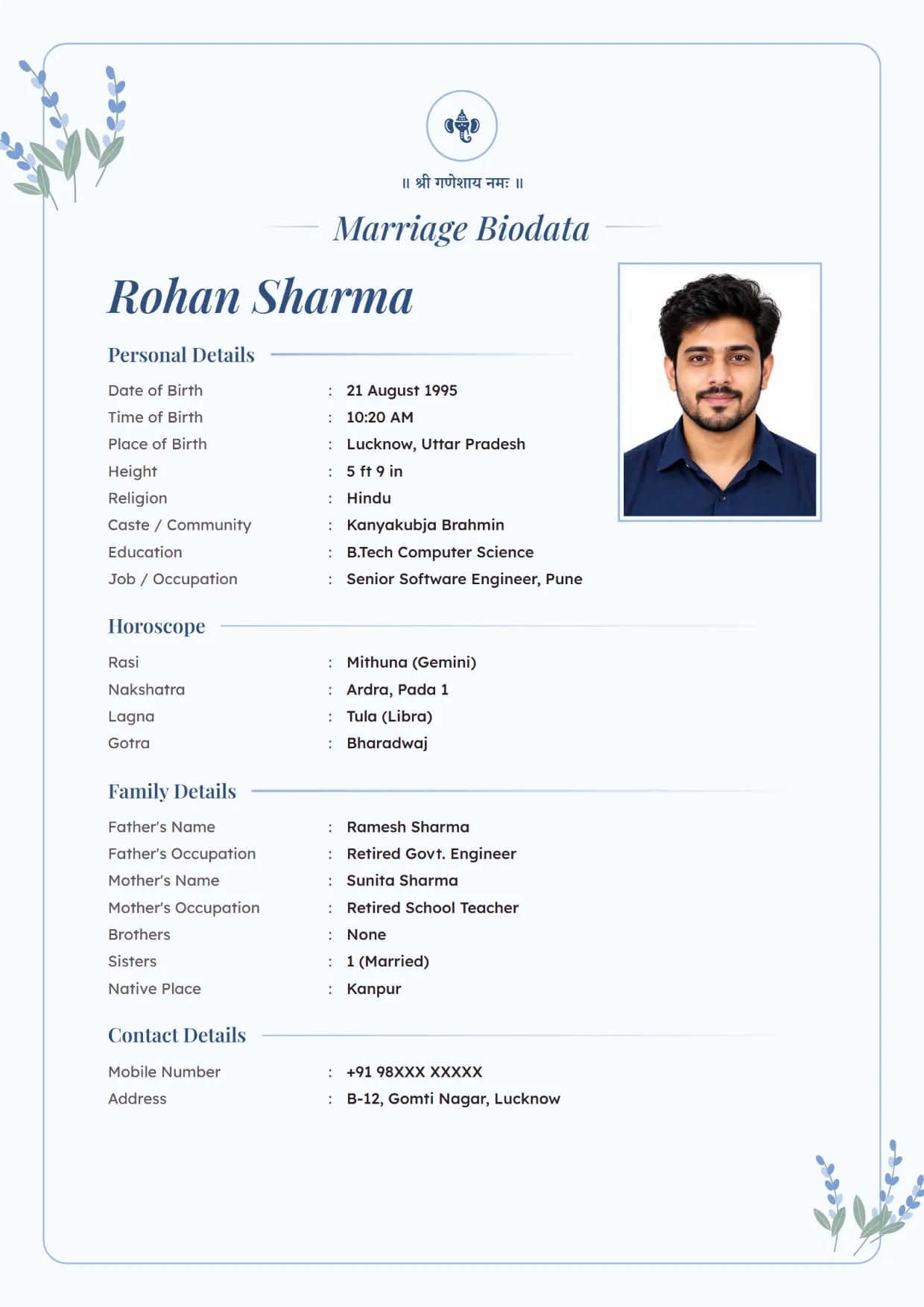
Lavender Bloom, Powder BlueBoy's biodata with Ganesh ji Use This Design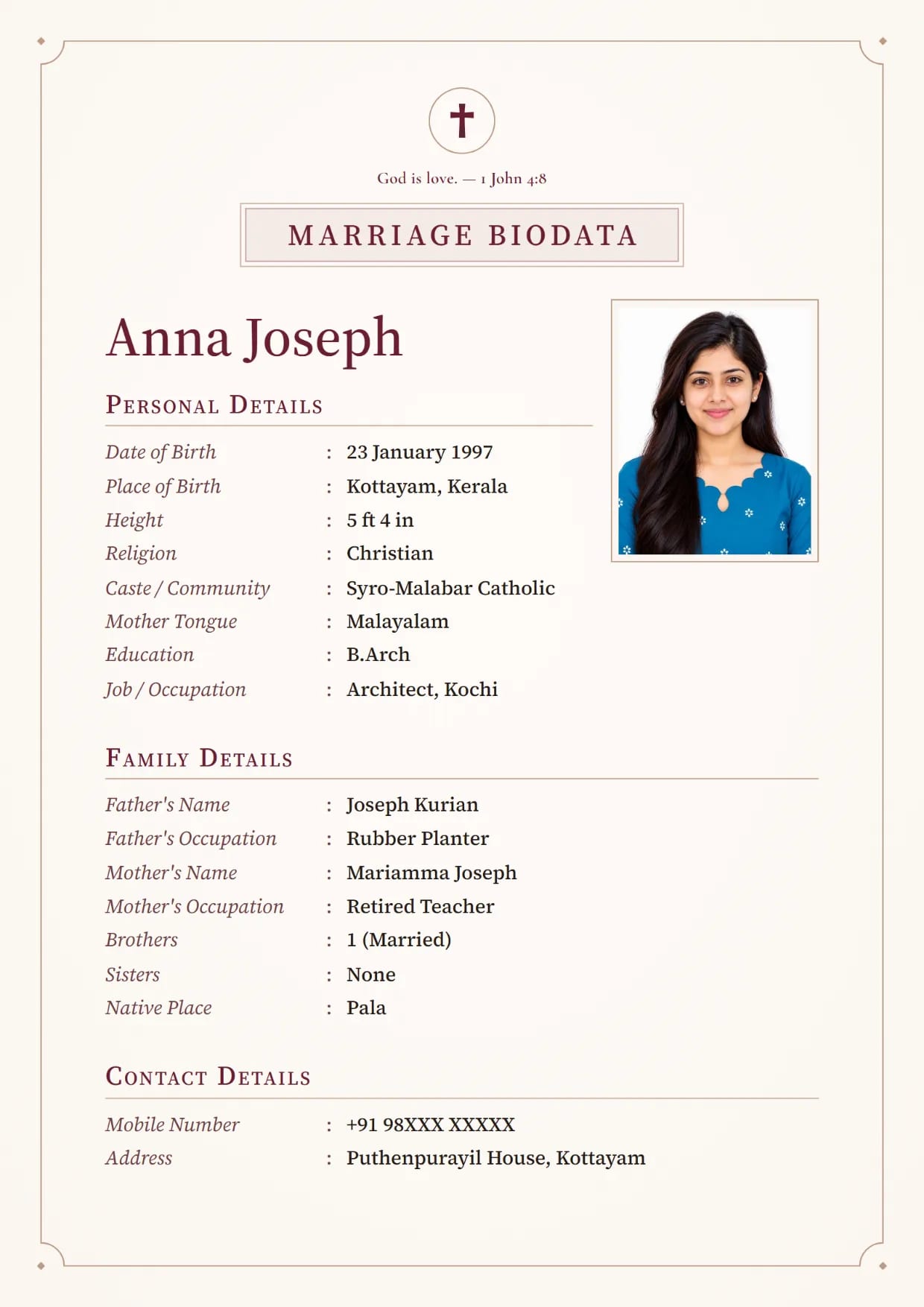
Linen Classic, ClaretChristian girl's biodata with a cross and a Bible verse Use This Design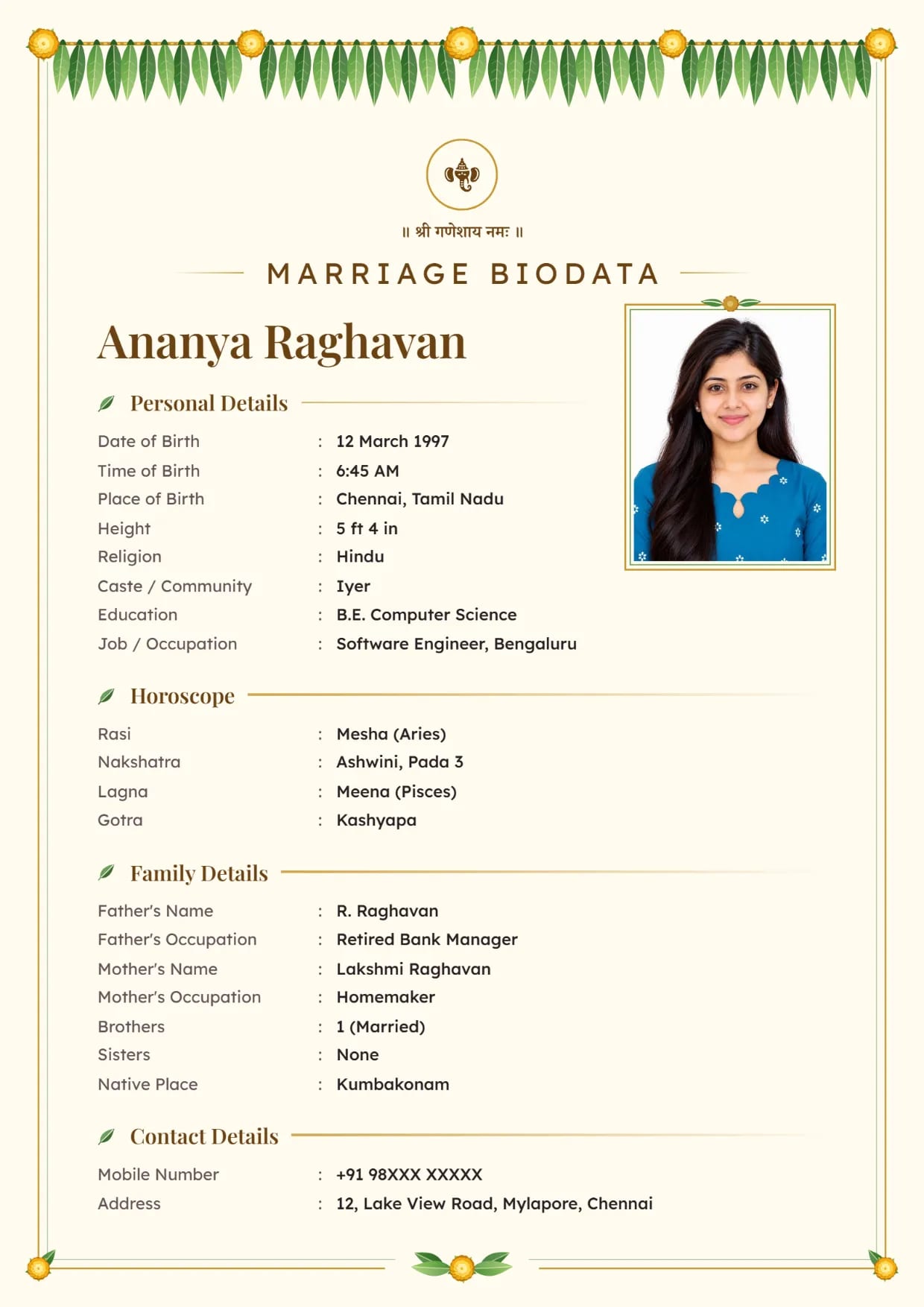
Mango Leaf, Sandal GoldGirl's biodata with Ganesh ji Use This Design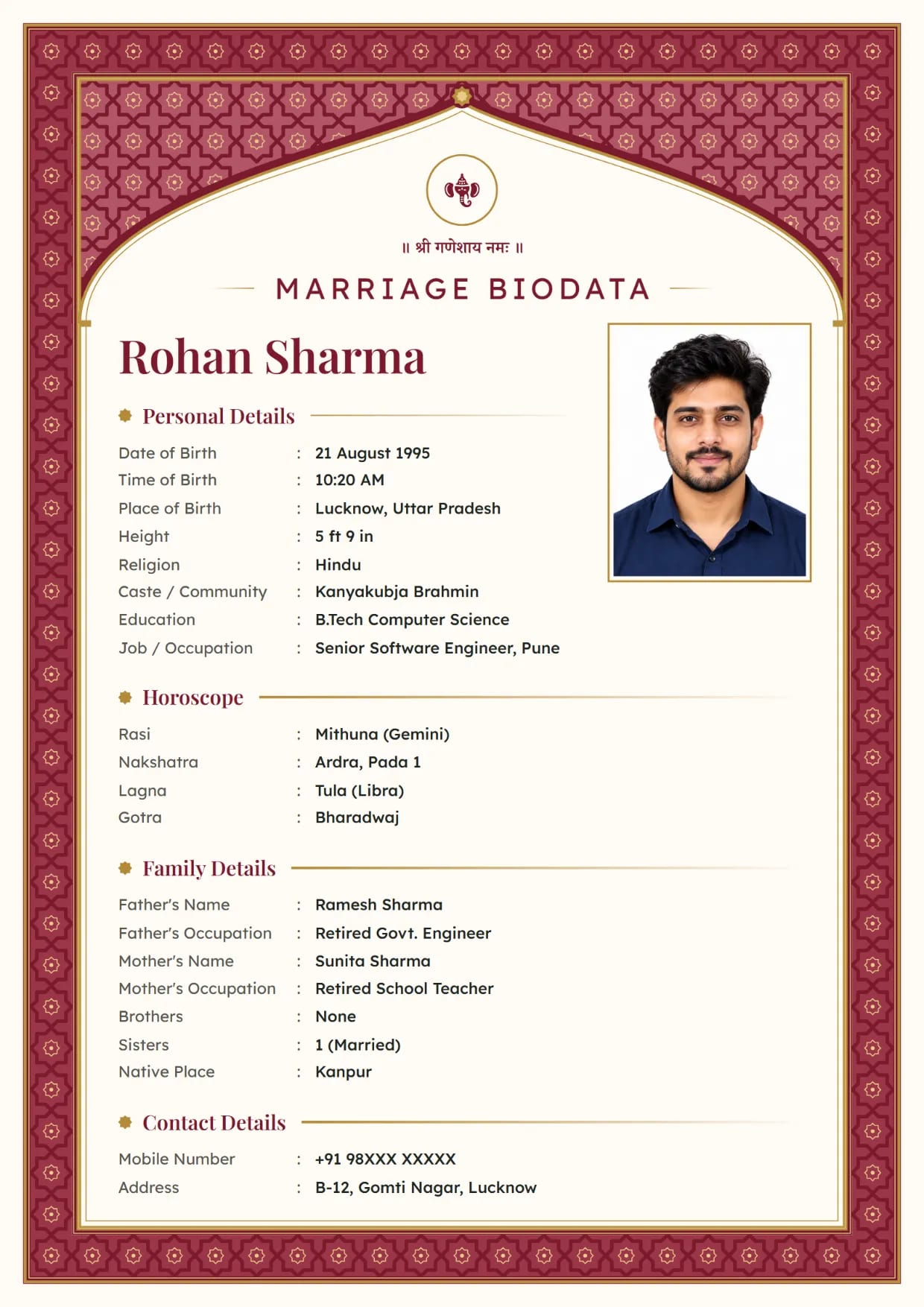
Mughal Jali, RubyBoy's biodata with Ganesh ji Use This Design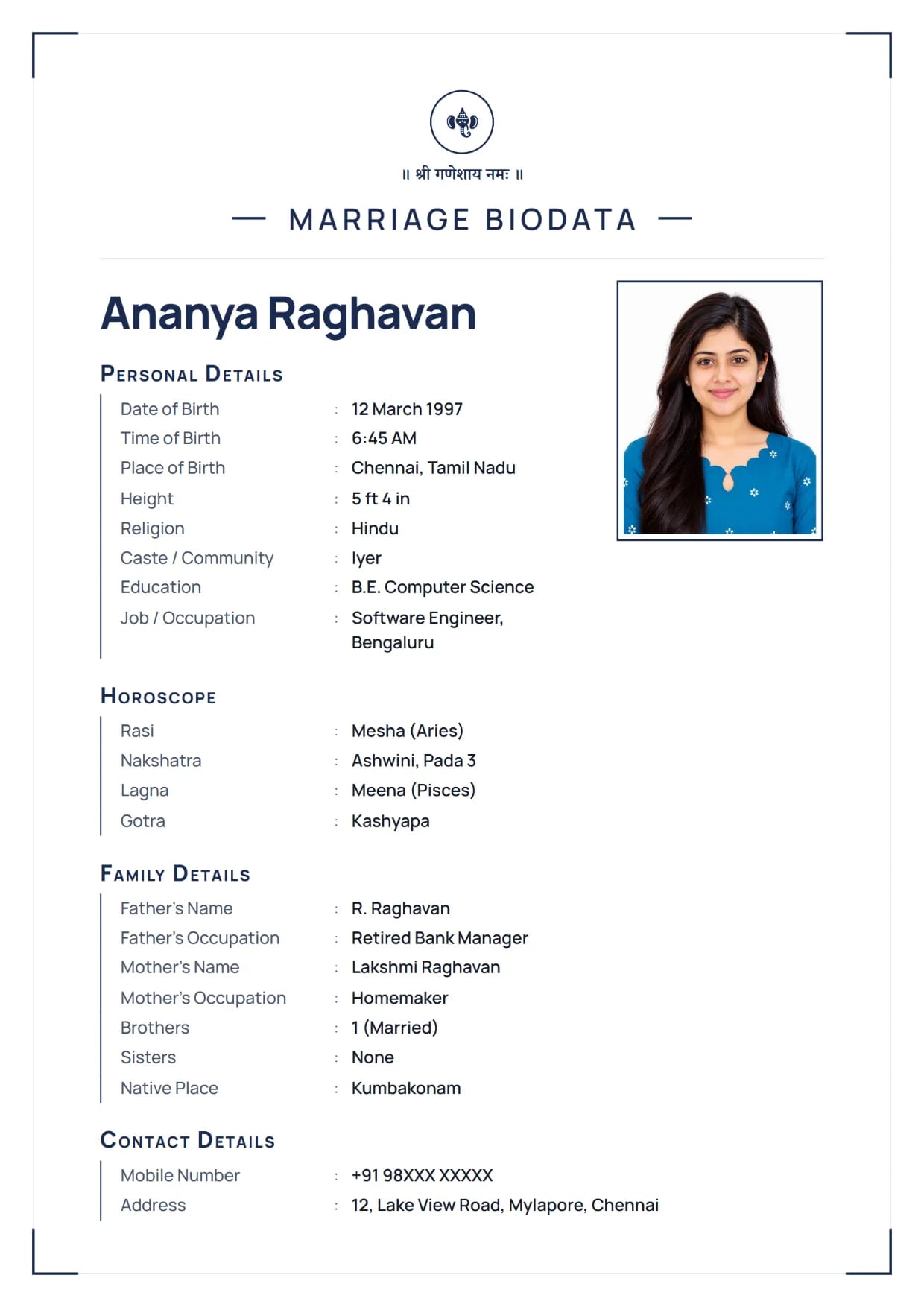
Navy Line, NavyGirl's biodata with Ganesh ji Use This Design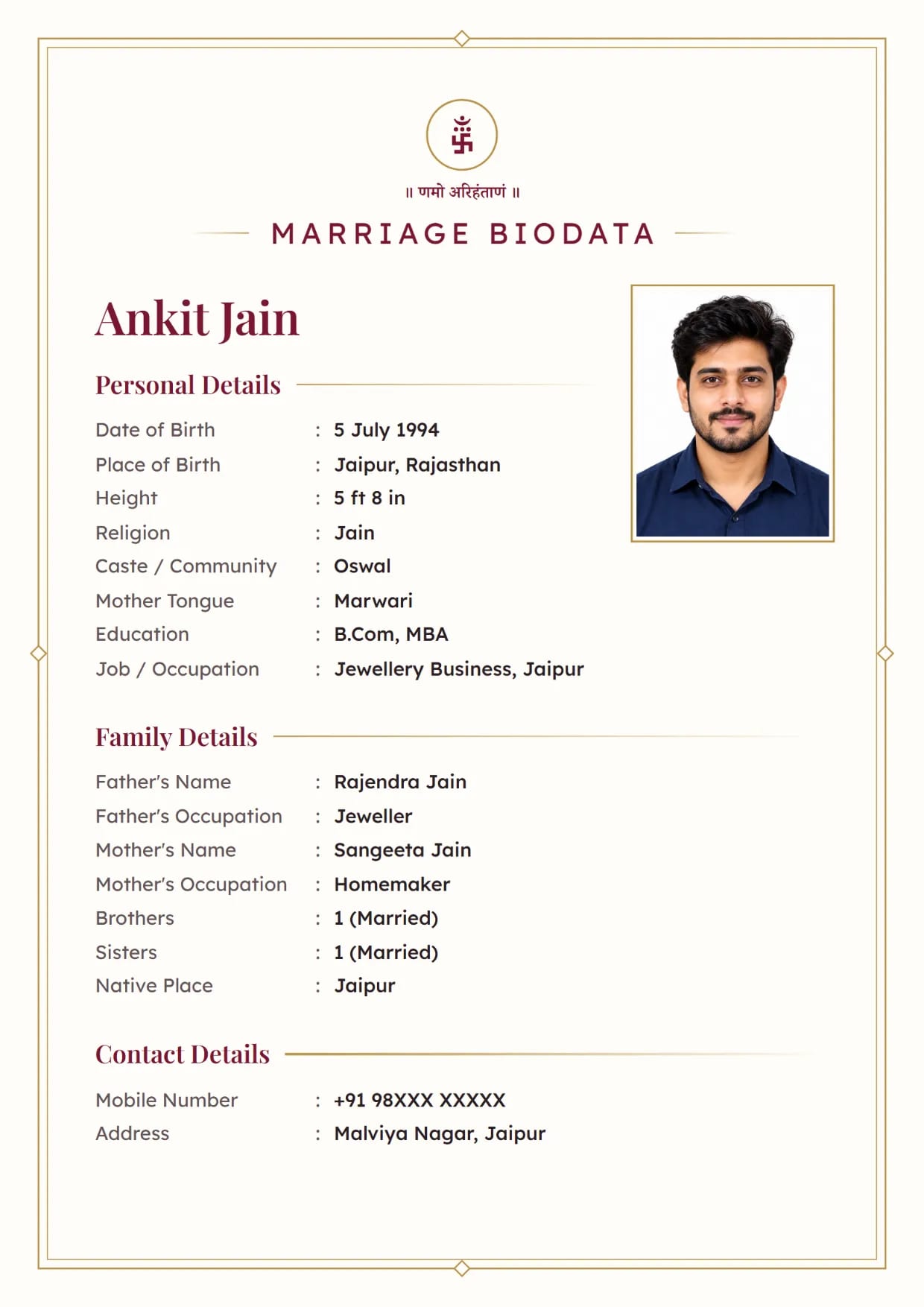
Ivory Line, MaroonJain boy's biodata with Namo Arihantanam Use This Design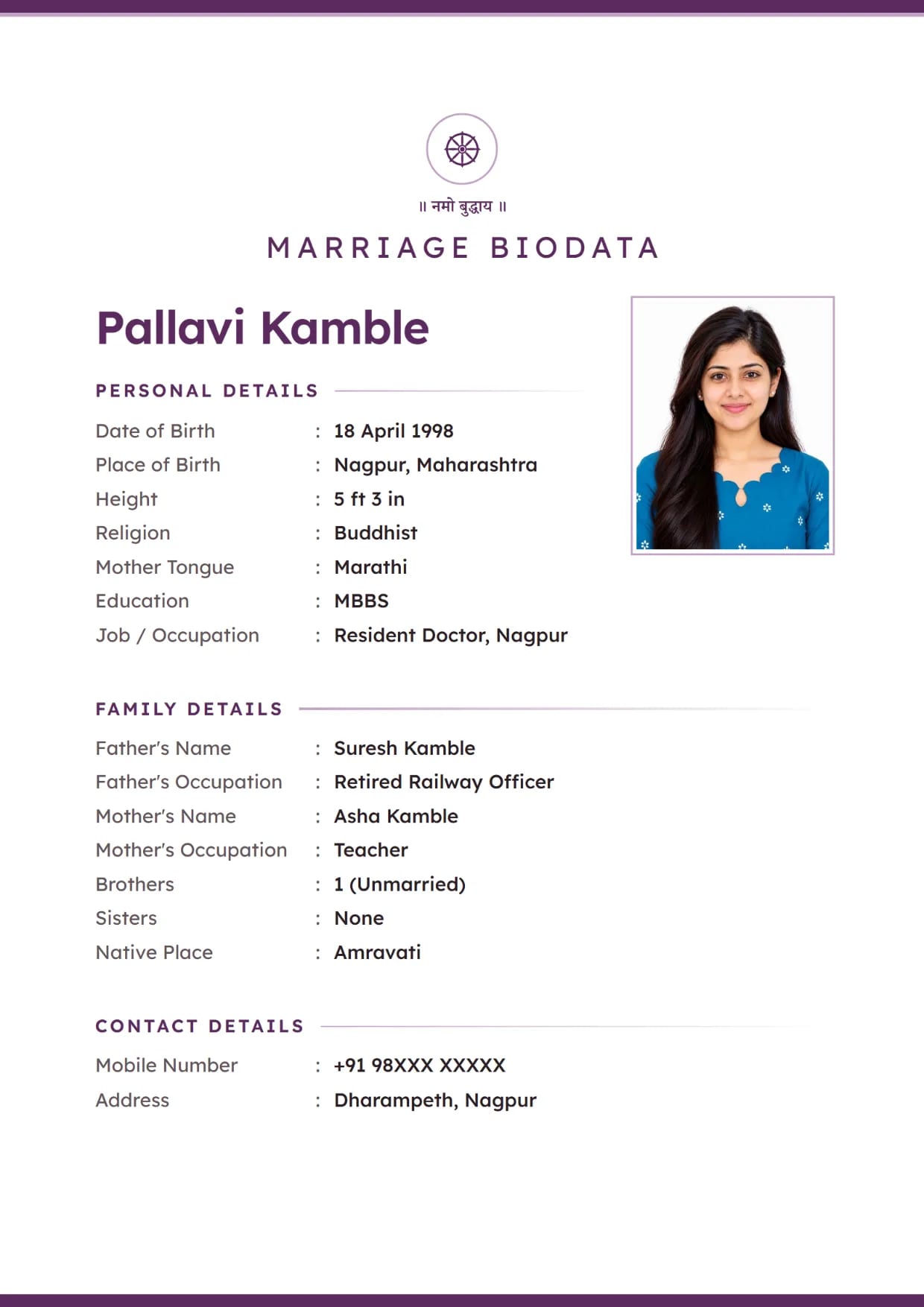
Pearl Minimal, PlumBuddhist girl's biodata with the Dharma wheel Use This Design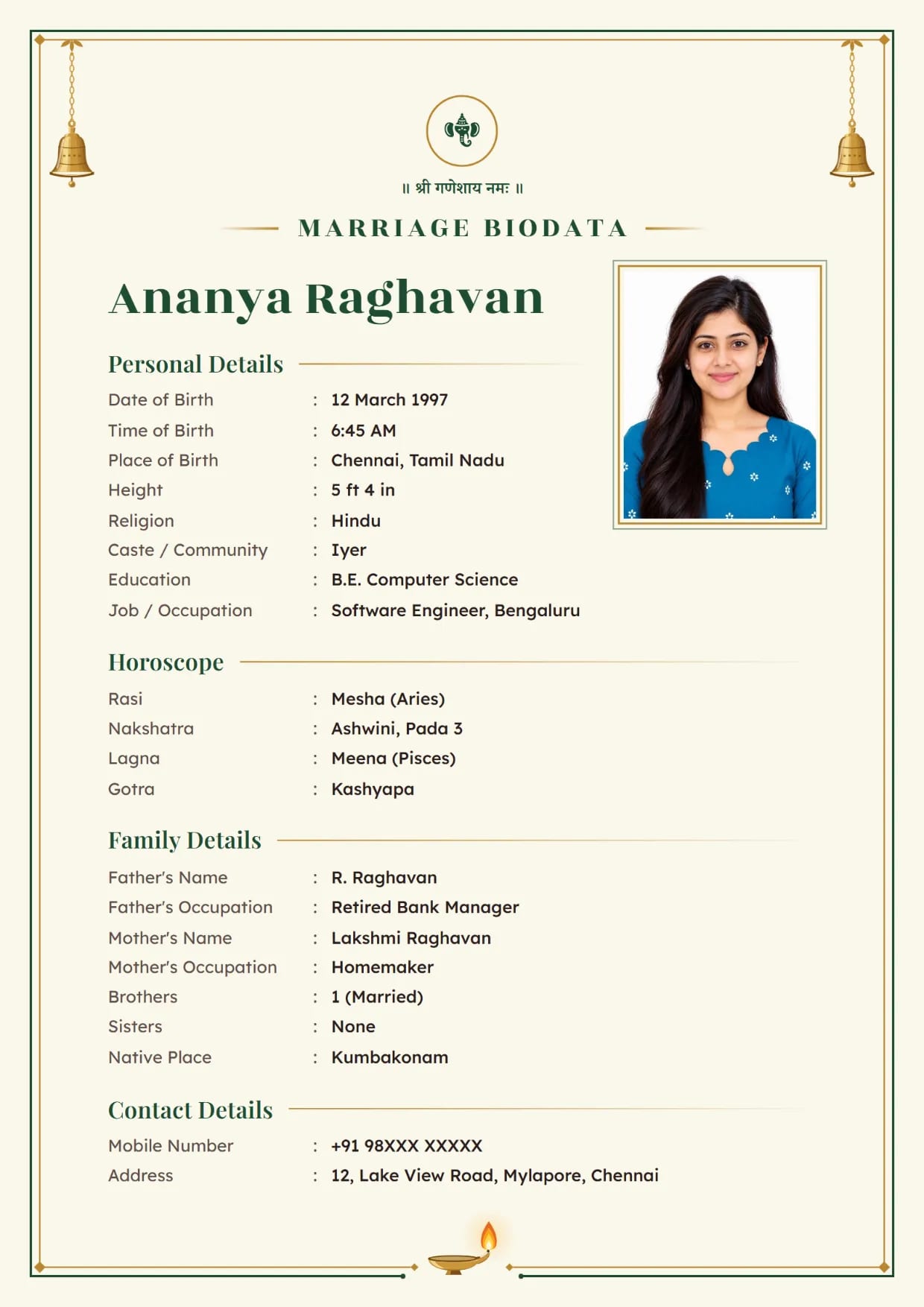
Temple Bell, Temple GreenGirl's biodata with Ganesh ji Use This Design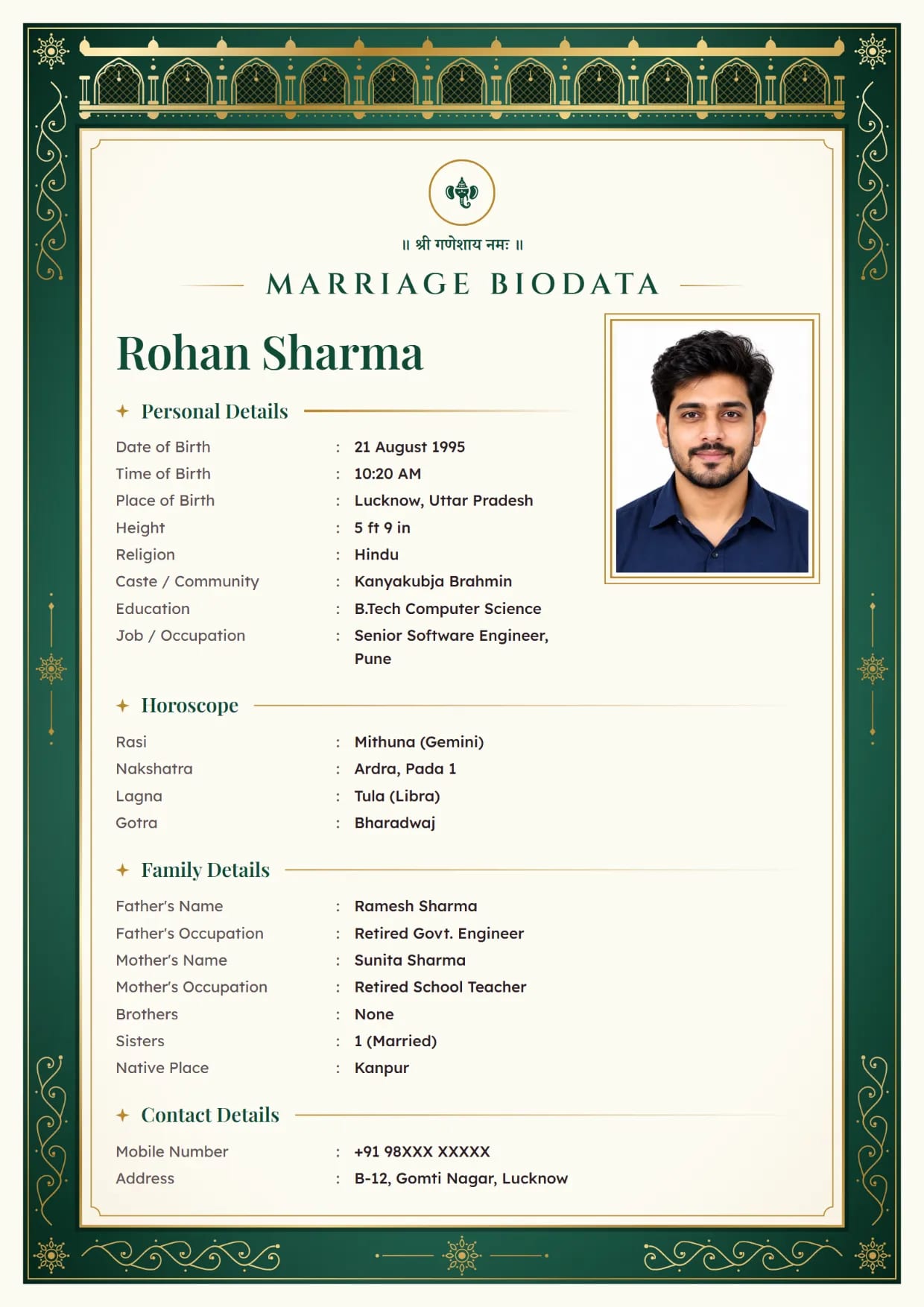
Velvet Palace, EmeraldBoy's biodata with Ganesh ji Use This Design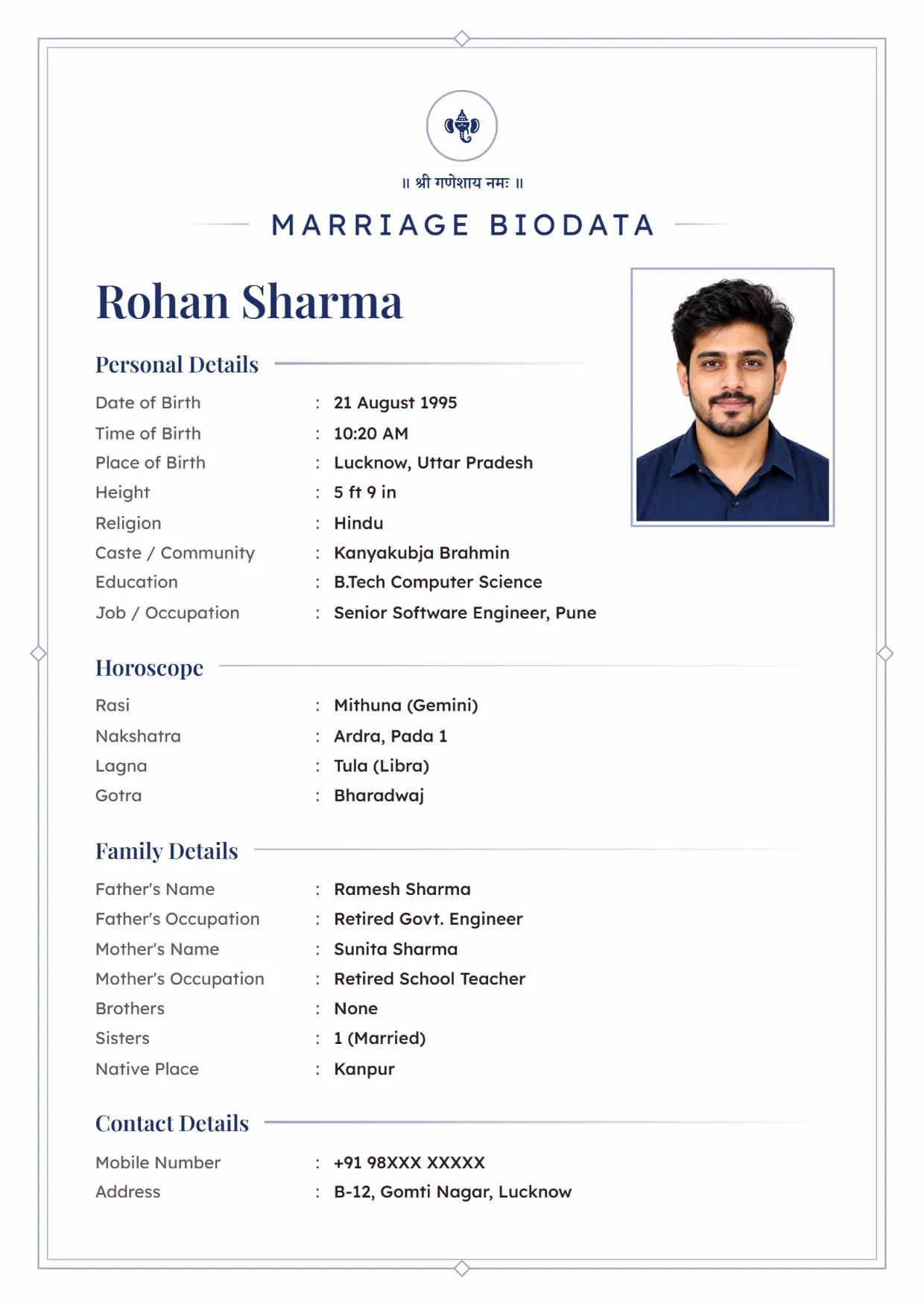
Ivory Line, NavyBoy's biodata with Ganesh ji Use This Design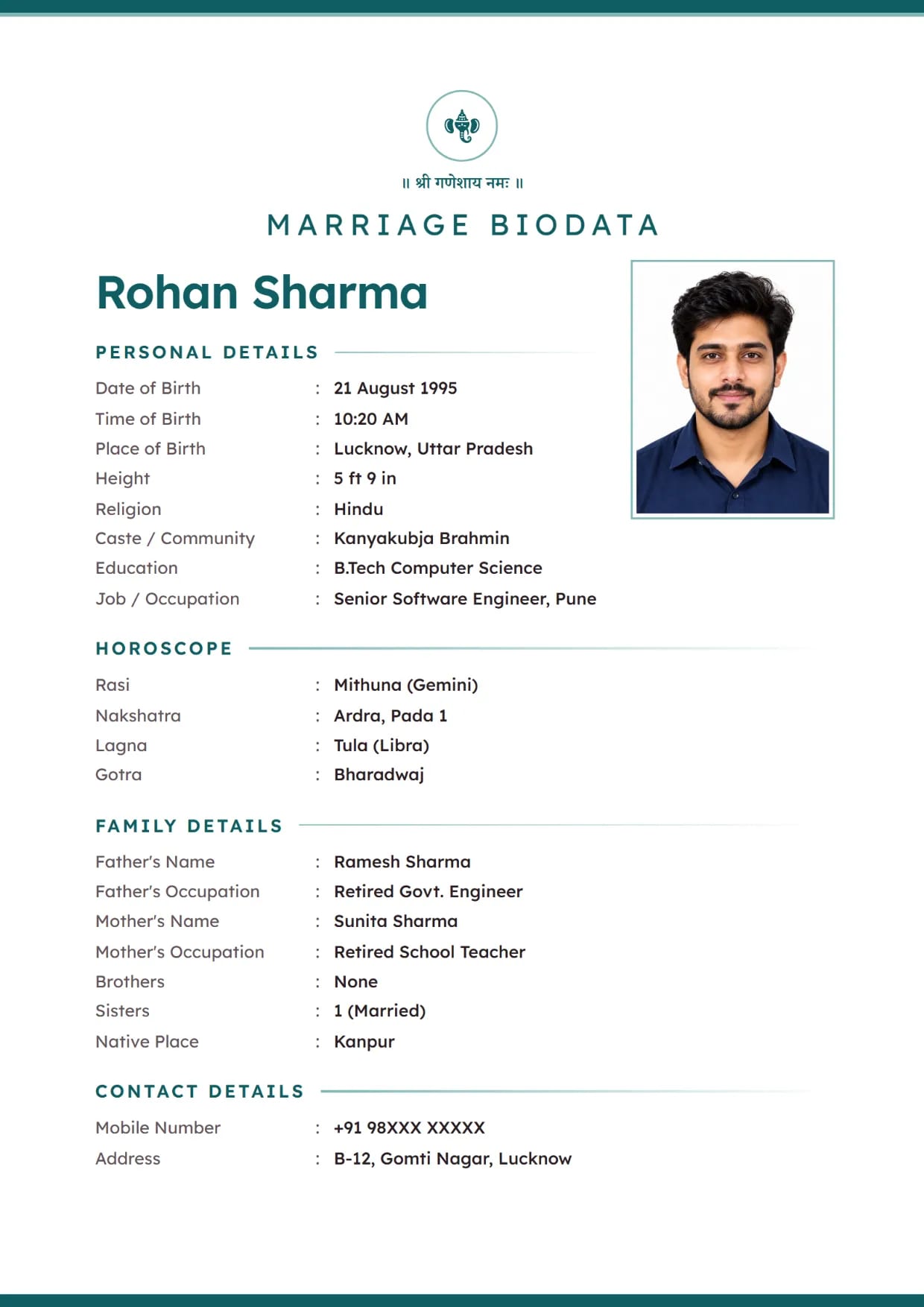
Pearl Minimal, TealBoy's biodata with Ganesh ji Use This Design
Common Questions
Is the PDF Download Really Free?
Yes, for most designs. Three of the 66 designs are premium, and the rest download free as a PDF or an image.
Is There a Blank Marriage Biodata Format PDF to Fill by Hand?
No. Our PDF comes out already filled with your details, on the design you chose. If an elder would rather write by hand, copy the field list from our marriage biodata format page and fill it in pen.
Can I Make the PDF in Hindi or Tamil?
Yes. Type in English, then choose any of the 12 print languages, including Hindi, Tamil, Telugu, Marathi and Bengali. The PDF prints in that language.
Why Do I Need to Verify My Mobile Number?
The biodata is saved on that number. Verifying it once lets you come back later, open the same biodata and download a fresh PDF.
Is There a Separate PDF for a Boy and for a Girl?
No. The same designs work for both. You choose "This Biodata Is For: Male / Female" at the start and fill your own details.
Can I Attach a Horoscope PDF to My Biodata PDF?
Not inside our download. Send your jothidar's horoscope as a second file along with the biodata. The horoscope biodata page explains what our biodata prints and what it does not.
Related Pages
Ready to Make Yours?
Pick a design, fill in your details and download your biodata as a PDF or an image. Free to make.