
Biodata Design for Marriage, with Borders and Backgrounds
We have 66 biodata designs for marriage, each with its border and background already drawn. You type your details once and they sit inside the design, lined up and ready to print or send. 63 designs are free, and each one comes in three colours.
The Designs, by the Look They Give
Most families know the feel they want before they know a design name. That is fine. Here is how ours fall into groups. A design can sit in two groups.
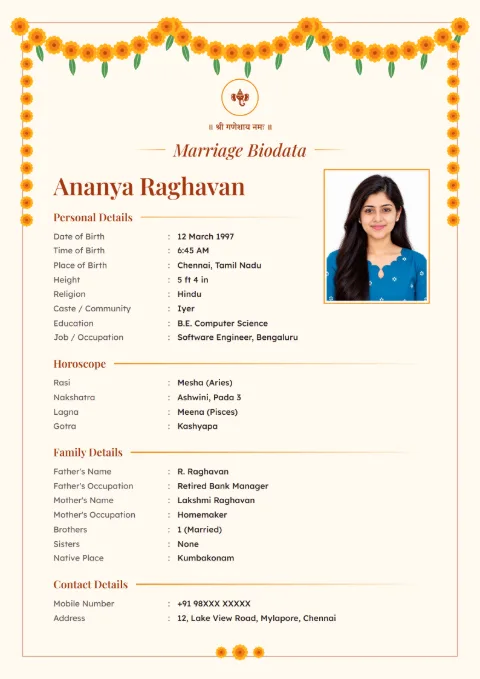
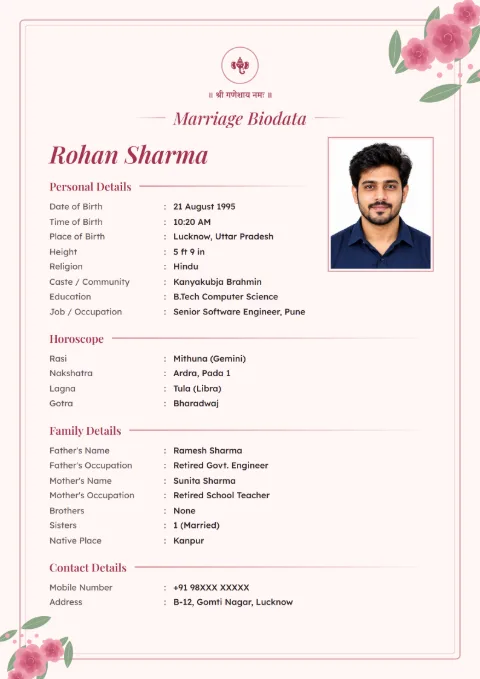
Flowers and festive borders: Marigold Toran has a marigold garland hanging across the top like a door toran. Rose Garden, Lavender Bloom and Lotus Line are softer, with flowers in lighter colours.
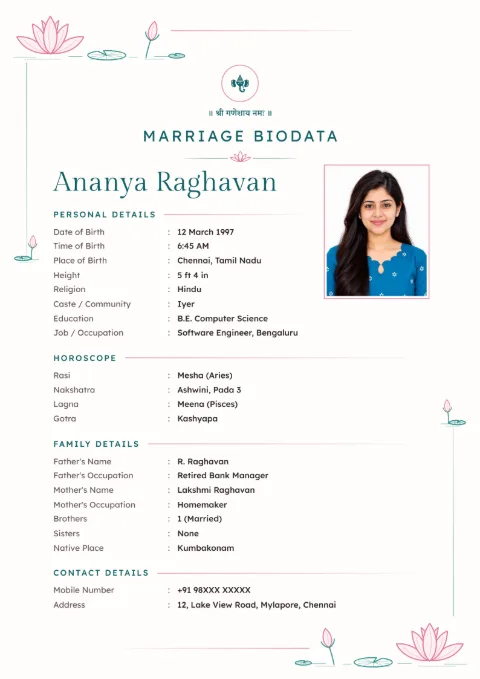
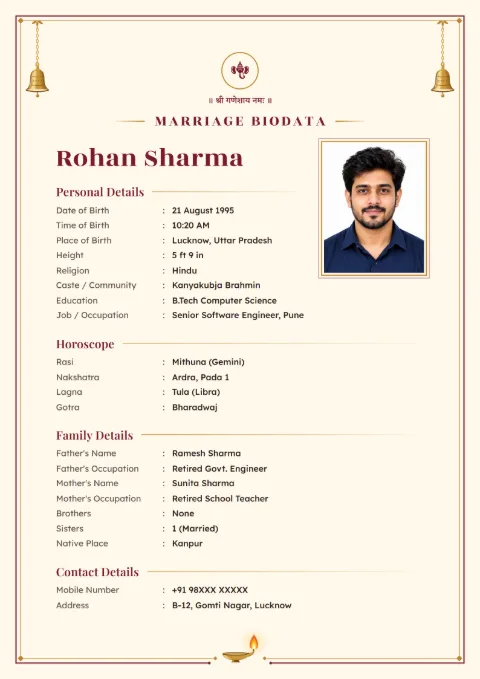
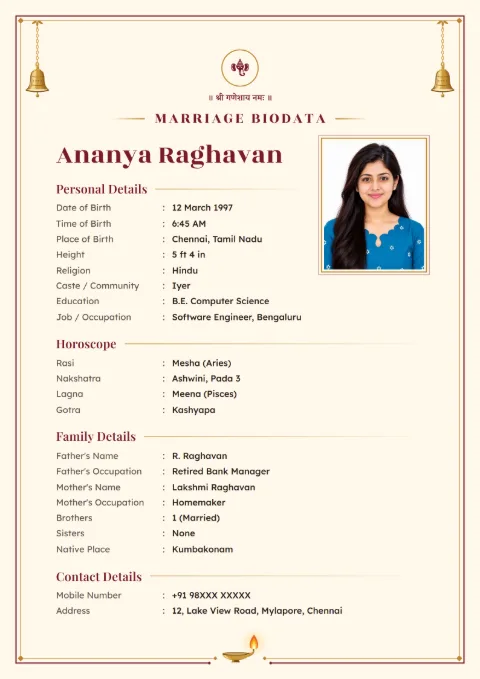
Temple and South Indian: Temple Bell has brass bells in the top corners and a diya at the foot of the page. Kanjivaram Zari runs a woven border round the page like the zari edge of a silk saree. Kasavu Gold, Peacock Grace, Mango Leaf and Rangoli Corners also suit Tamil, Telugu, Kannada and Kerala families.
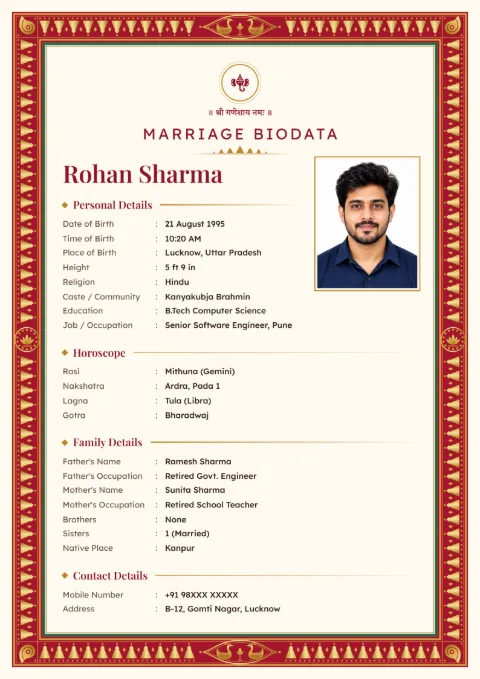
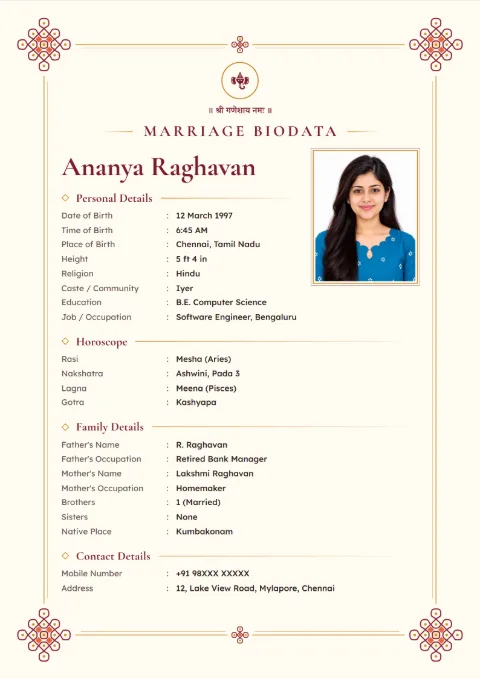
Royal and rich: Royal Maroon, Golden Mandala, Paisley Border and Bandhani Dots fill the frame with pattern. The three premium designs, Gold Foil Royal, Peacock Luxe and Velvet Palace, are the most ornate.
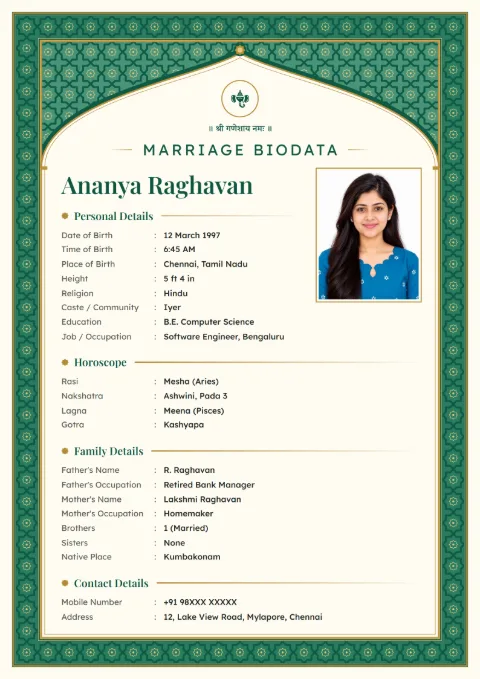
Islamic patterns: Emerald Arch and Mughal Jali use geometric jali work and an arch over the name, with no figures. Families often pick them with 786 at the top.
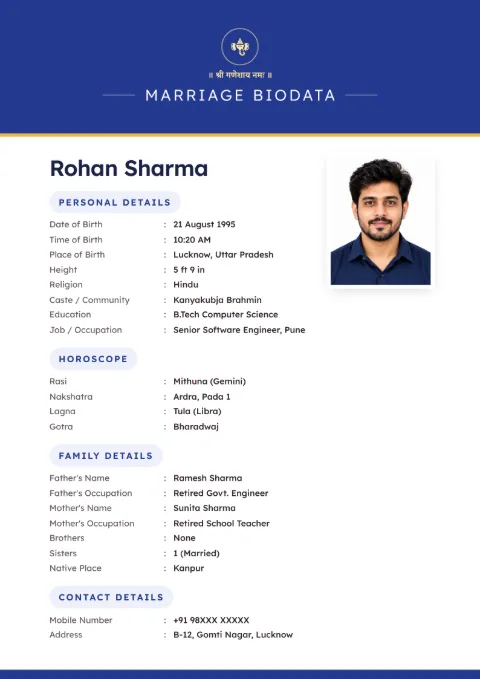
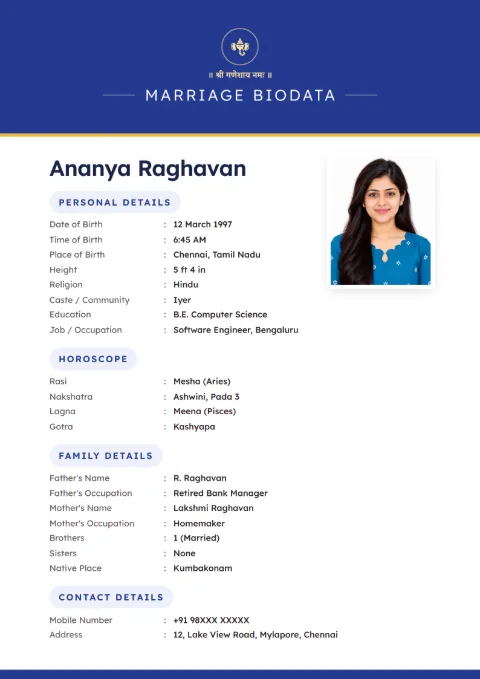
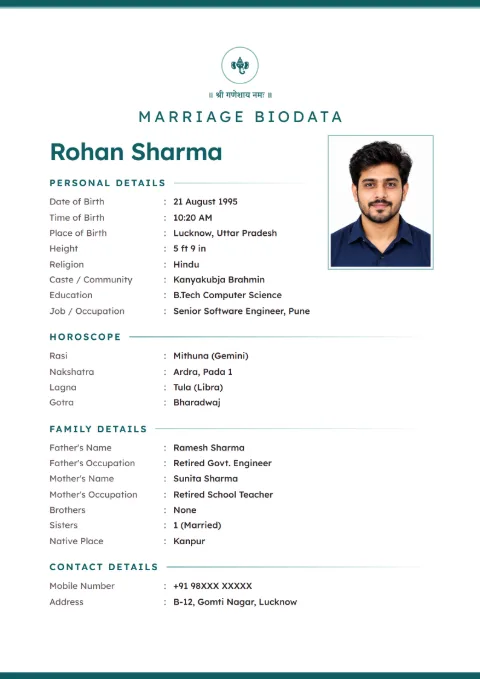
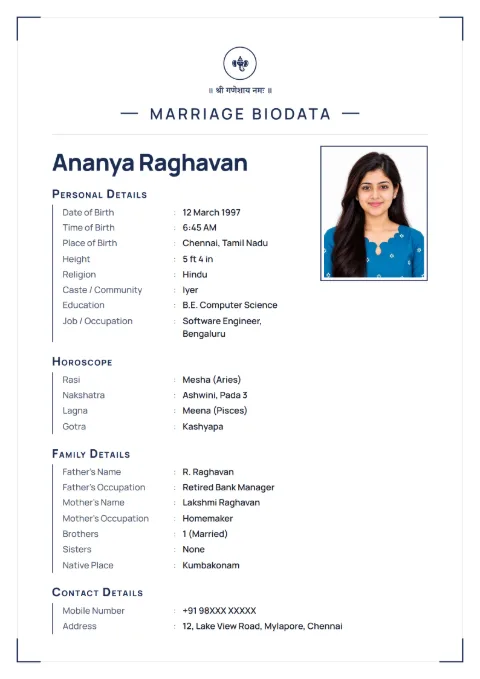
Plain and modern: Ivory Line, Pearl Minimal, Classic Band, Charcoal Clean, Linen Classic, Navy Line and Sage Soft have thin lines or one colour band and lots of white space.
Why a Ready Design Beats a Background Picture
Search "biodata background HD" and you get a picture of a border. You then need Canva or Word to type over it, and the lines rarely match the gaps. Hindi or Tamil text often breaks on top of an image.
Here the border and your text are one design. A long name or an extra row of family details pushes the layout, not over the border. You cannot upload your own background picture, but you also never have to line anything up by hand.
Colours, and Choosing One That Reads Well
Every design has three colour sets. Temple Bell, for example, comes in Maroon Brass, Peacock Brass and Temple Green. You switch colours under Colour on the preview screen. The text stays.
Maroon and gold read as traditional to most elders. Navy, teal and sage look more modern. Whatever you pick, read the preview on your phone at normal size before downloading. If the small labels feel hard to read, a plainer design will be easier on relatives' phones.
Designs for Printing and Designs for WhatsApp
A design with a full coloured frame, like Royal Maroon or Gold Foil Royal, looks rich on a phone screen. On paper it uses a lot of ink and needs a good colour printer to look right.
For printouts at a local shop, a design with a thin border or a colour band, like Ivory Line or Classic Band, comes out clean even on a cheap printer. For WhatsApp only, choose whatever your family likes best.
Changing the Design Later
You are not stuck with your first choice. On the preview screen, scroll the Change Design strip and tap another one. Your details move across as they are, with nothing to retype, so trying five designs before you decide costs you nothing but a few taps. See every design side by side on the templates page.
Marriage biodata designs, filled with sample details
Tap a sample to see it full size. The names and details on them are made up.
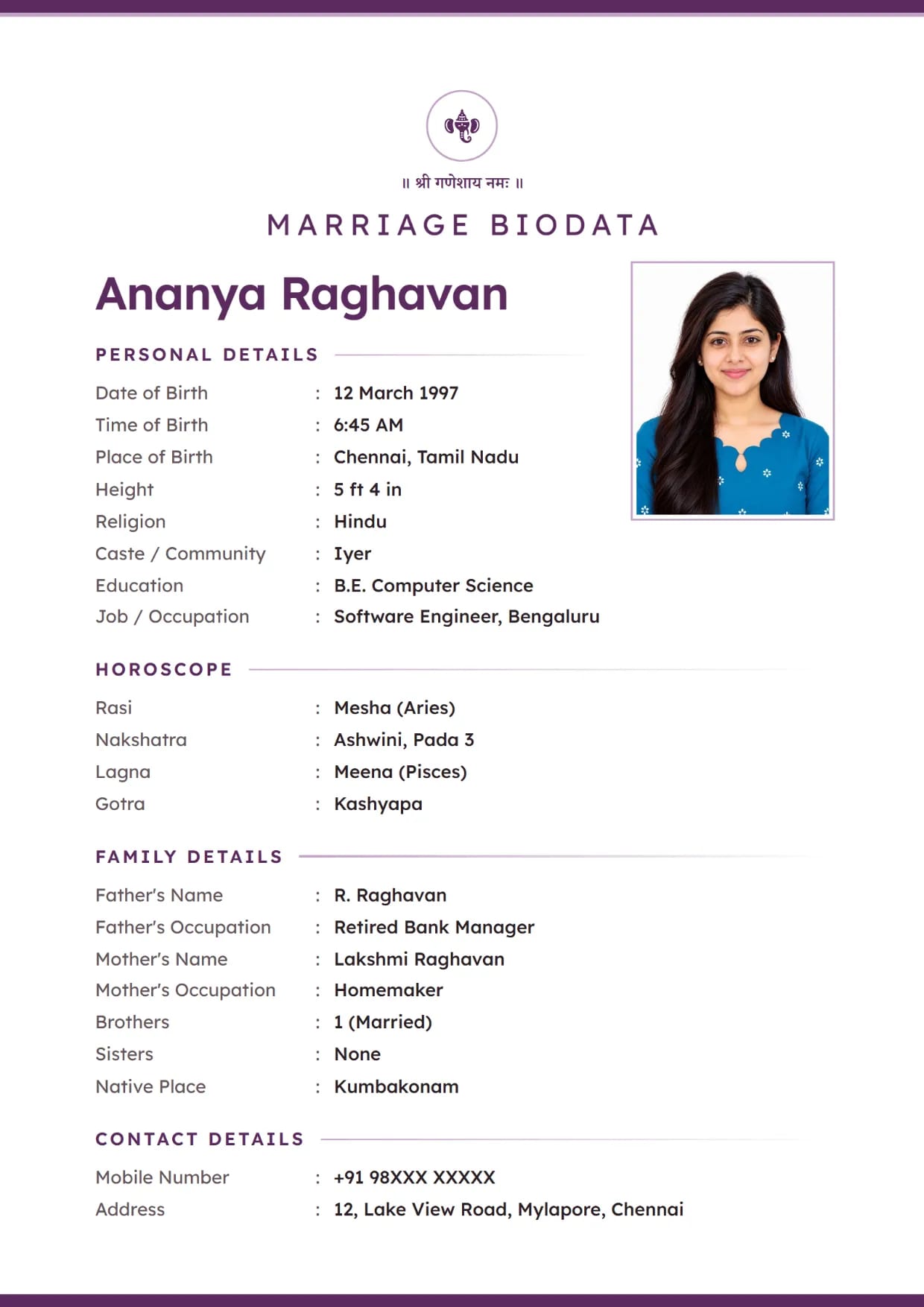
Pearl Minimal, PlumGirl's biodata with Ganesh ji Use This Design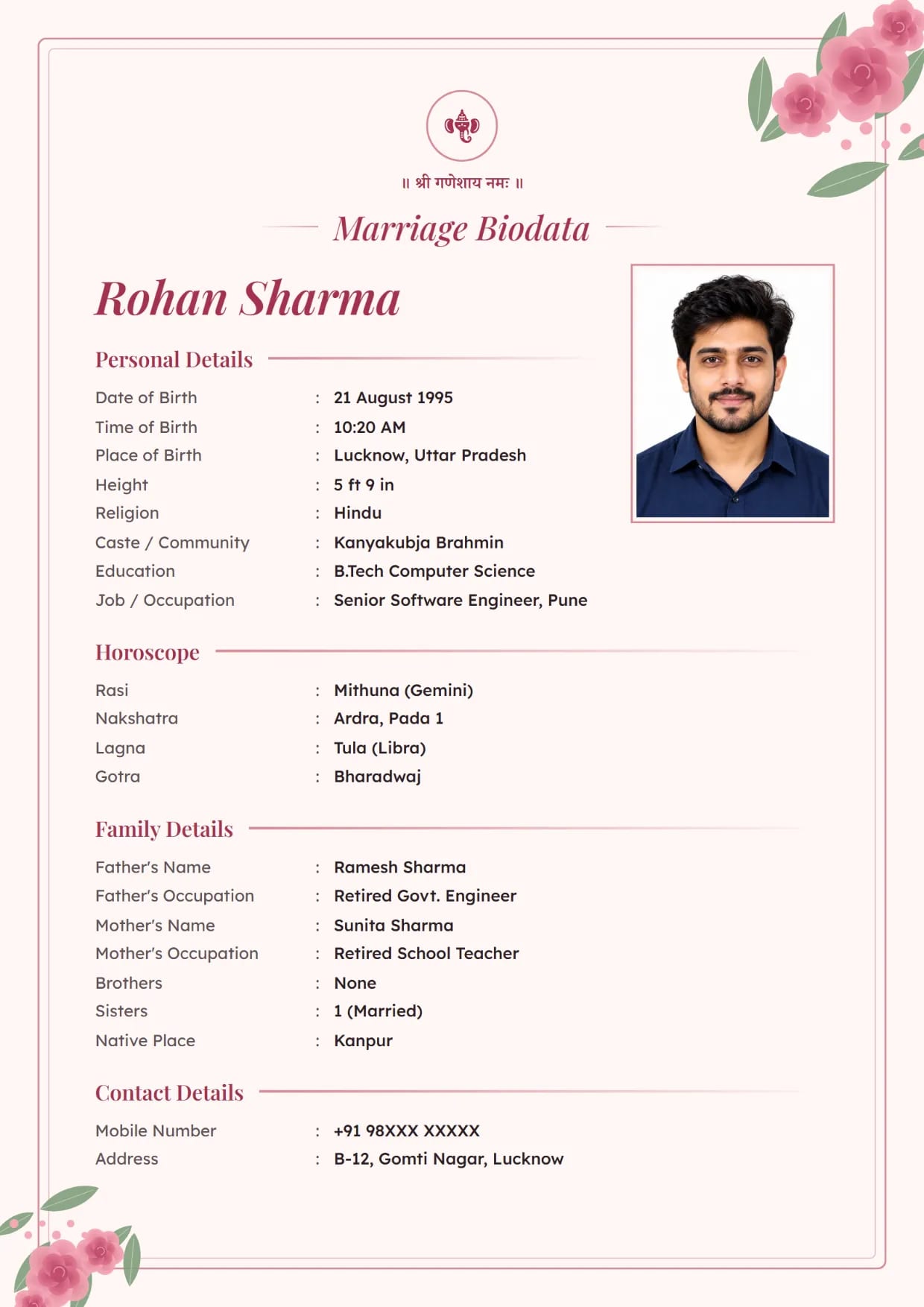
Rose Garden, BlushBoy's biodata with Ganesh ji Use This Design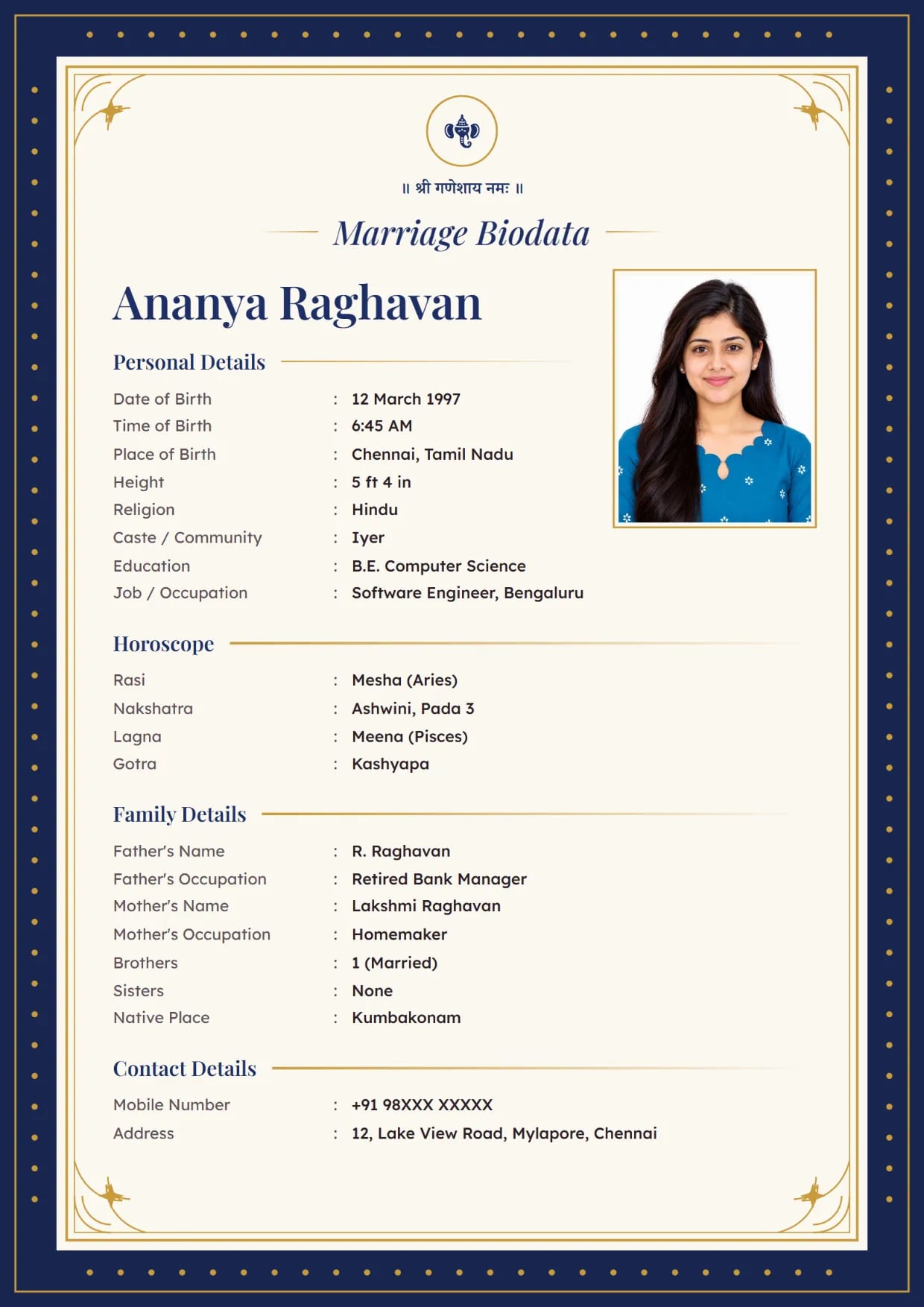
Royal Maroon, NavyGirl's biodata with Ganesh ji Use This Design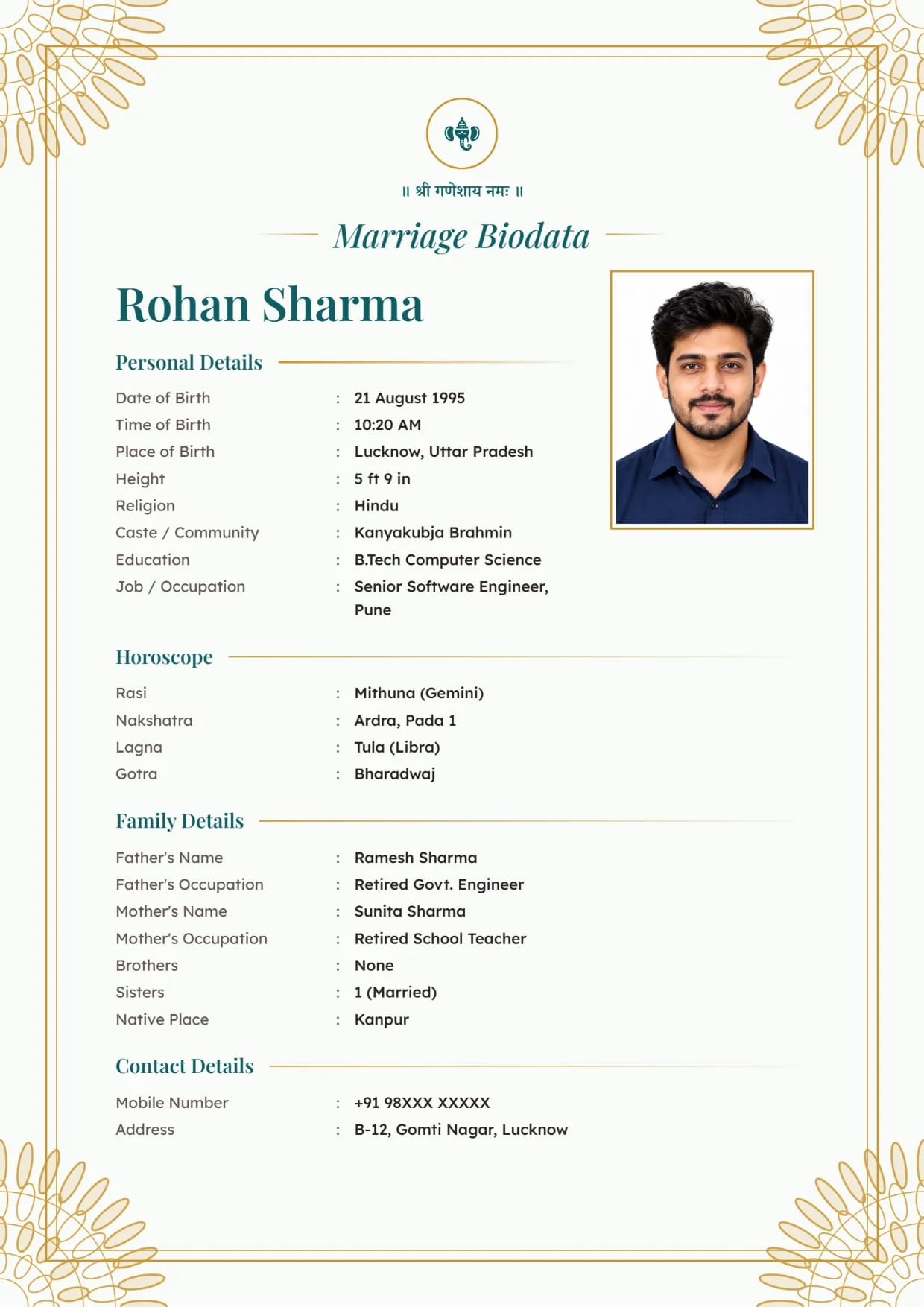
Golden Mandala, Teal GoldBoy's biodata with Ganesh ji Use This Design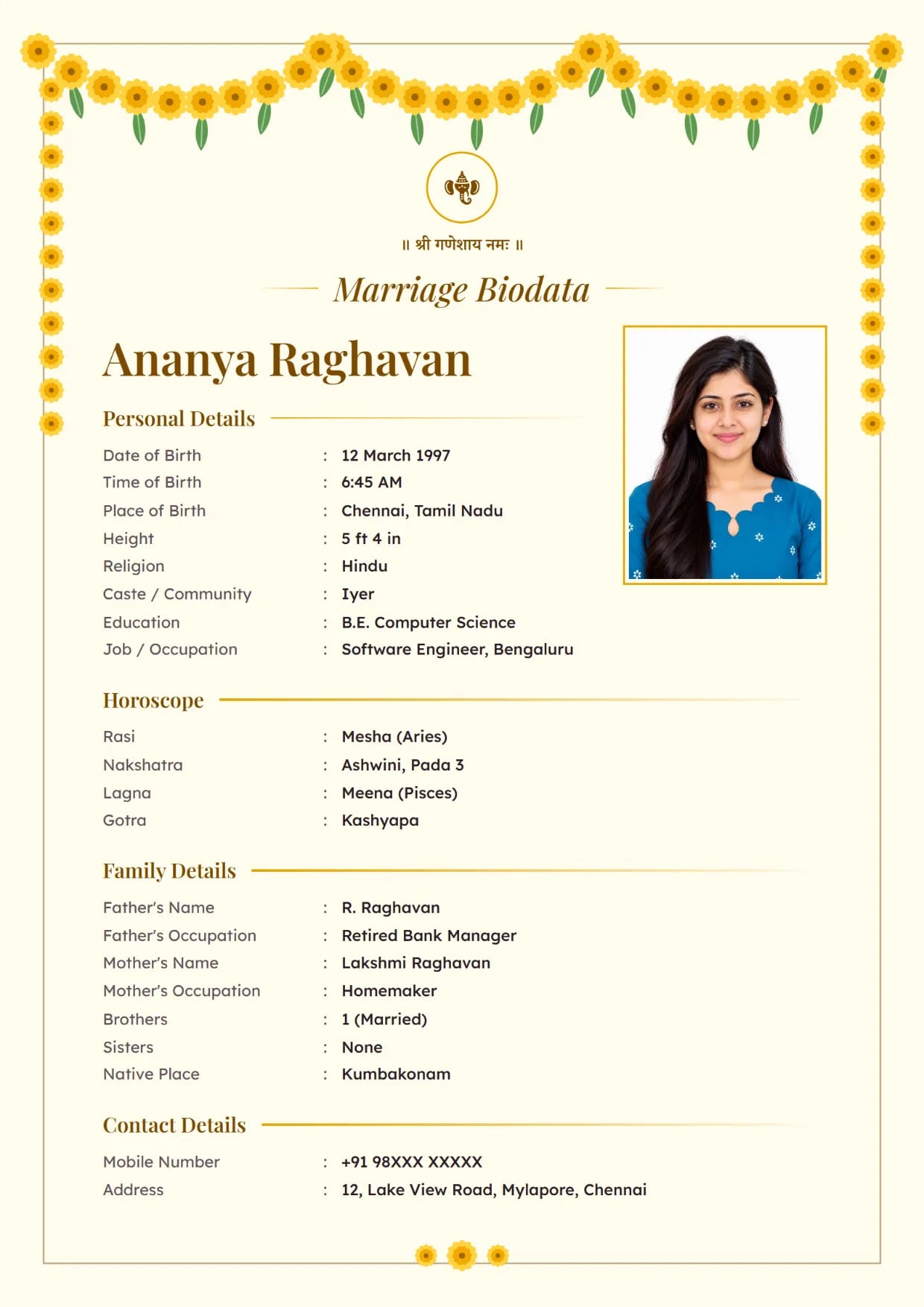
Marigold Toran, TurmericGirl's biodata with Ganesh ji Use This Design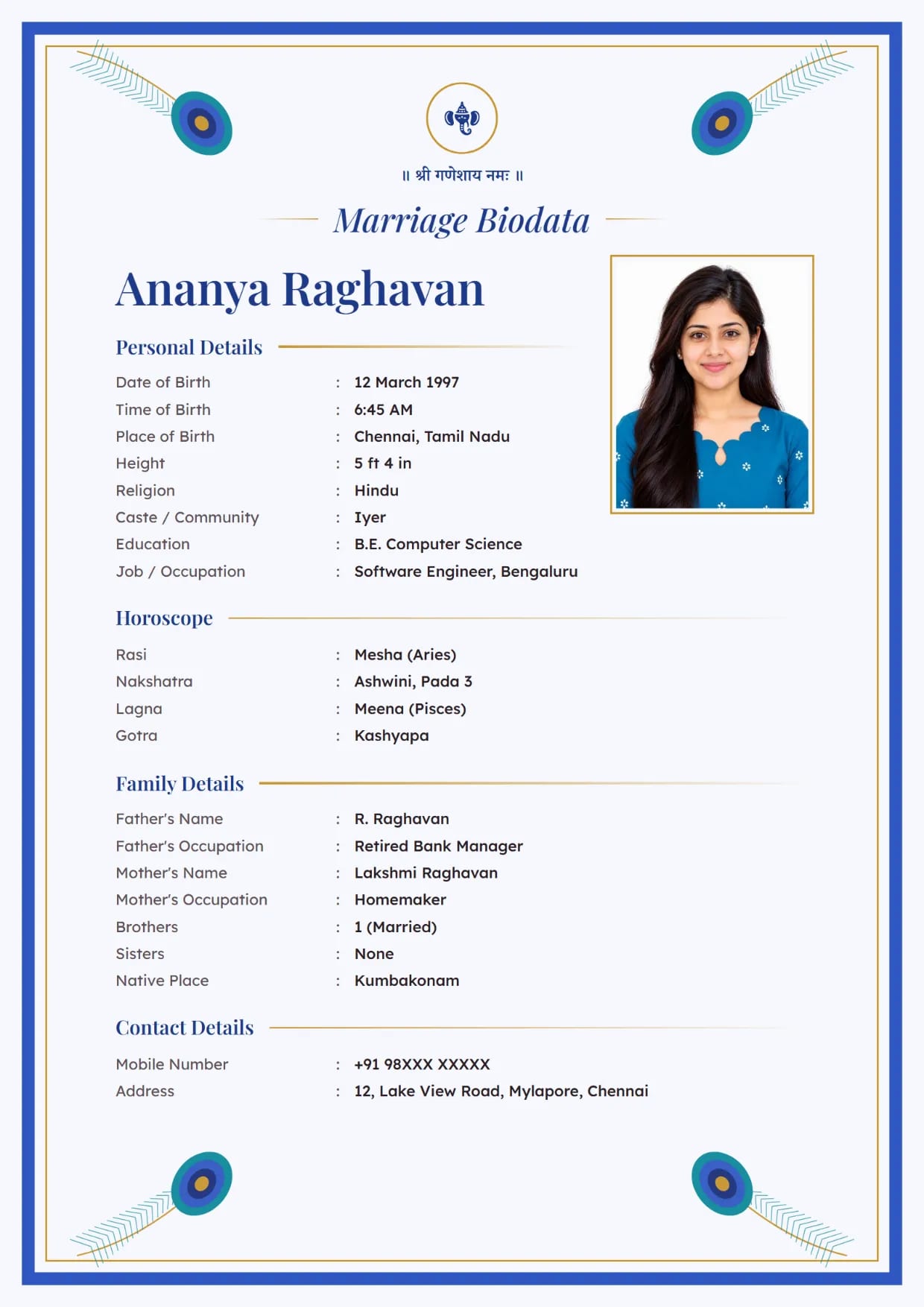
Peacock Grace, Royal BlueGirl's biodata with Ganesh ji Use This Design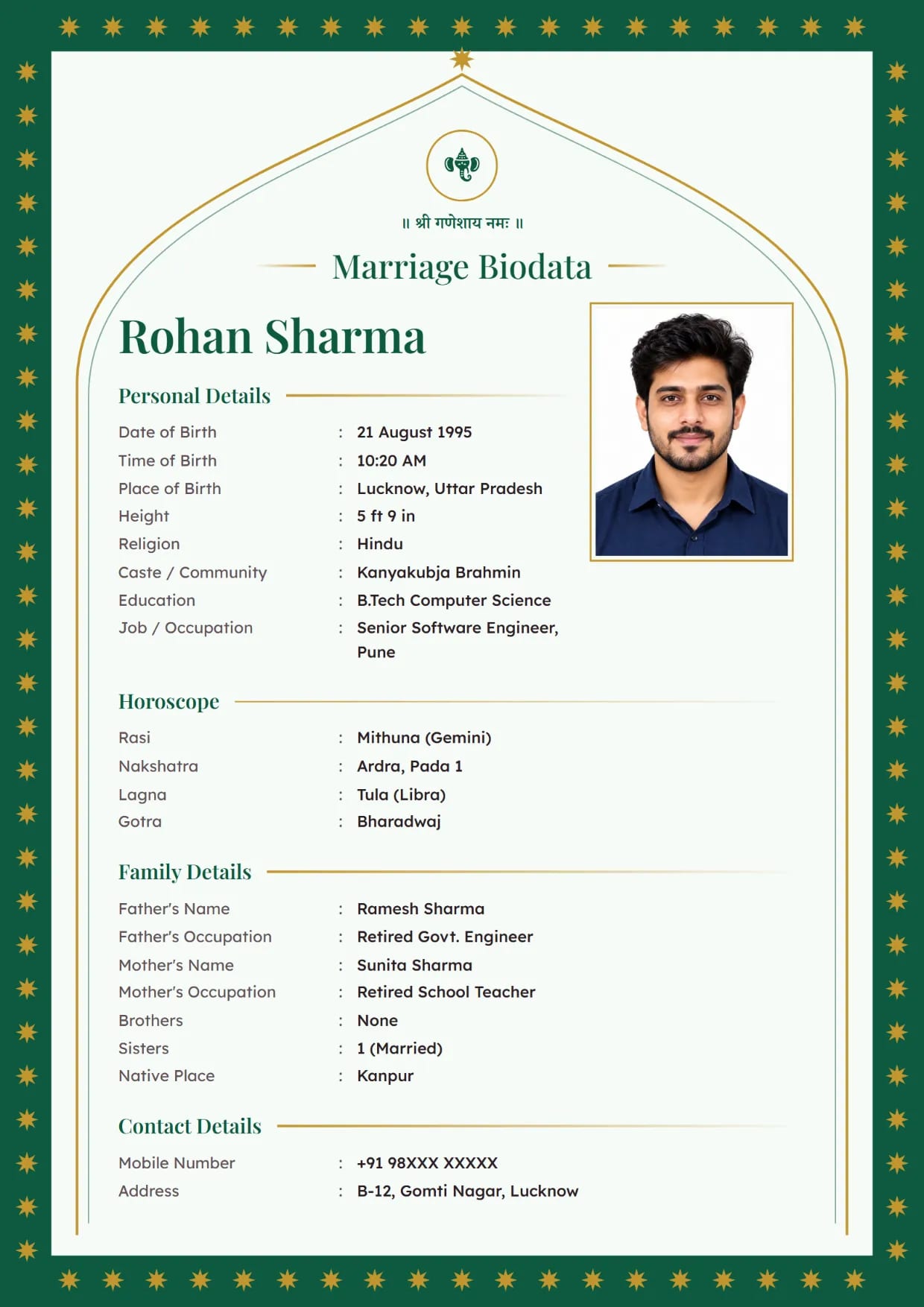
Emerald Arch, EmeraldBoy's biodata with Ganesh ji Use This Design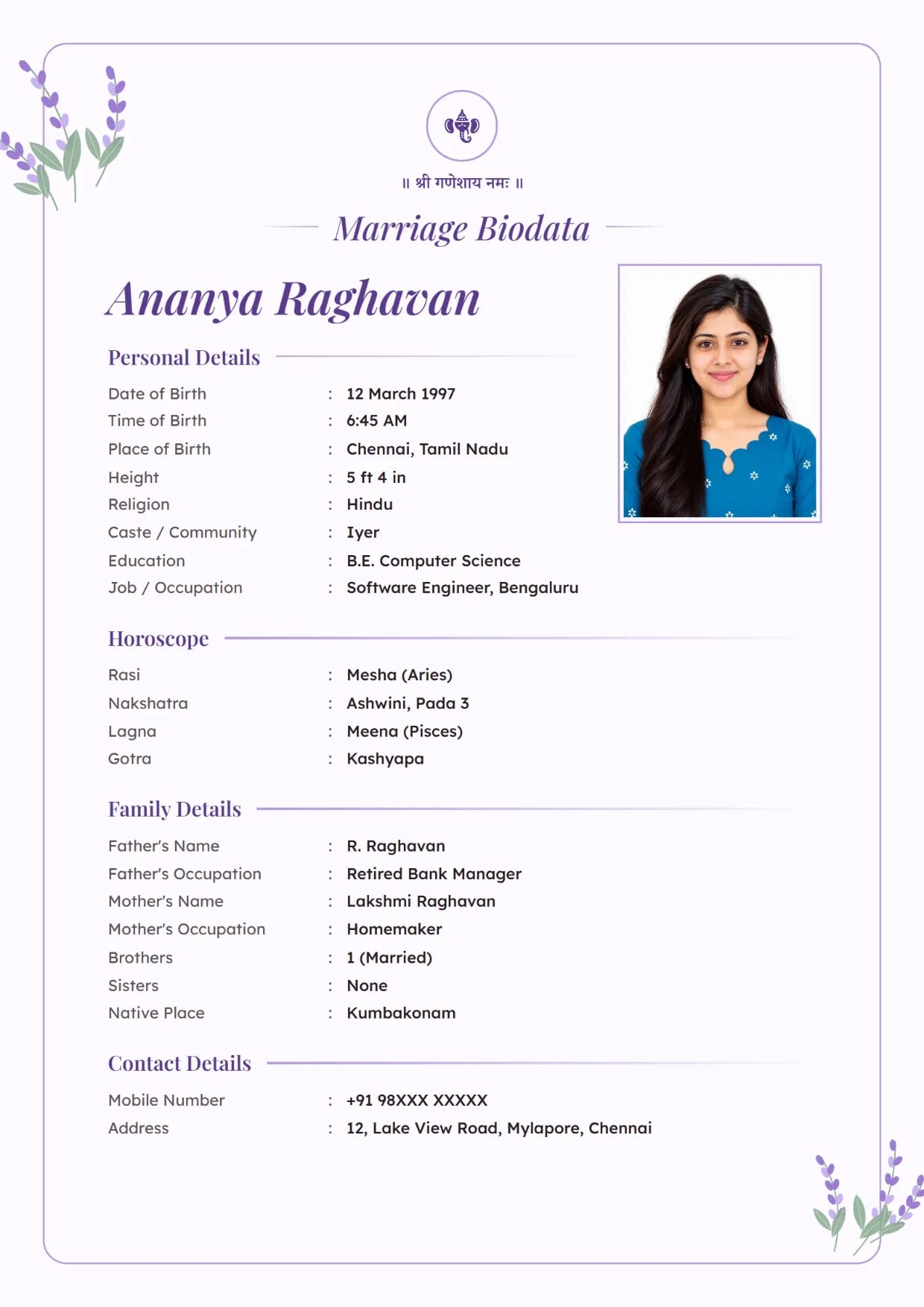
Lavender Bloom, LavenderGirl's biodata with Ganesh ji Use This Design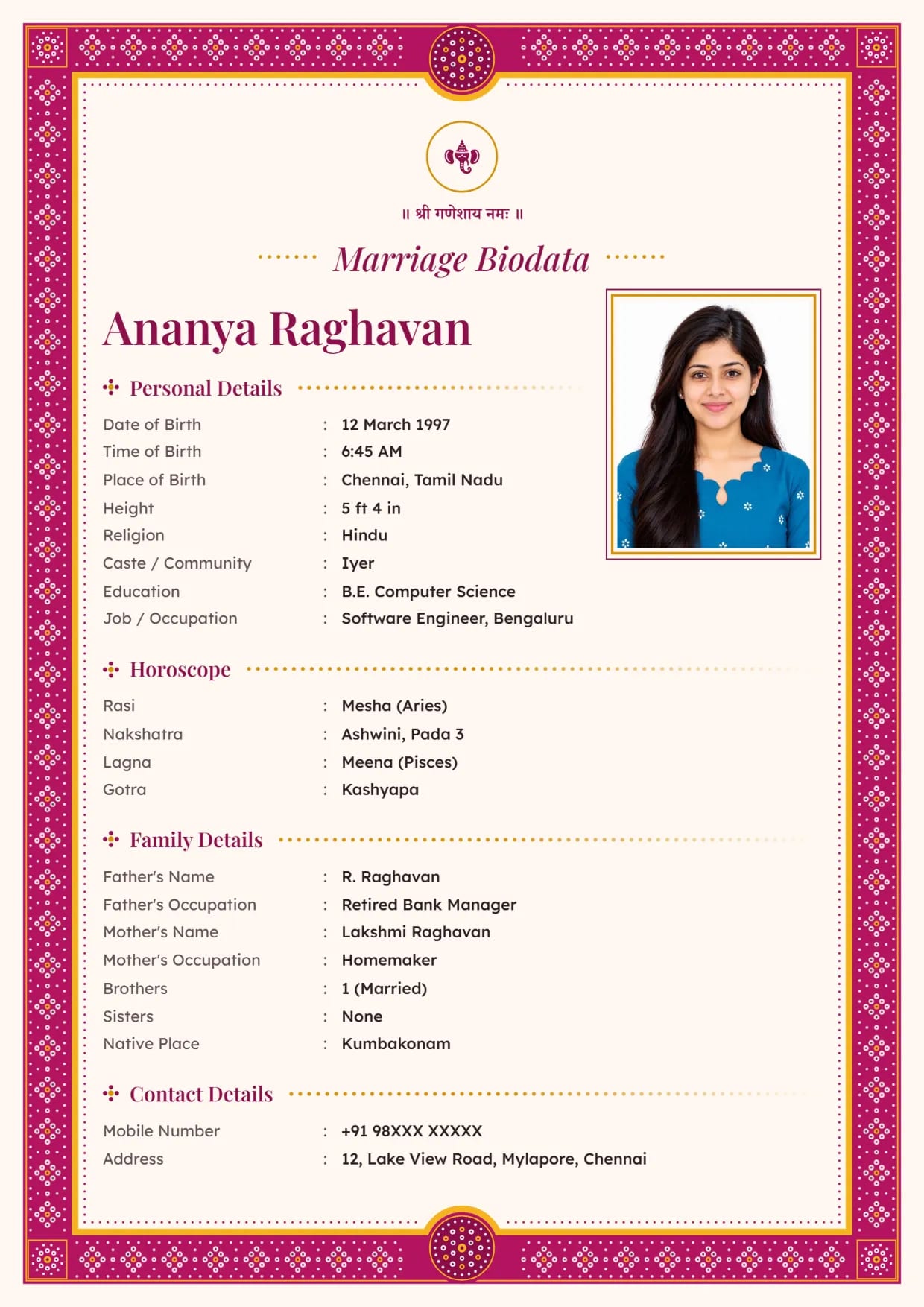
Bandhani Dots, Rani PinkGirl's biodata with Ganesh ji Use This Design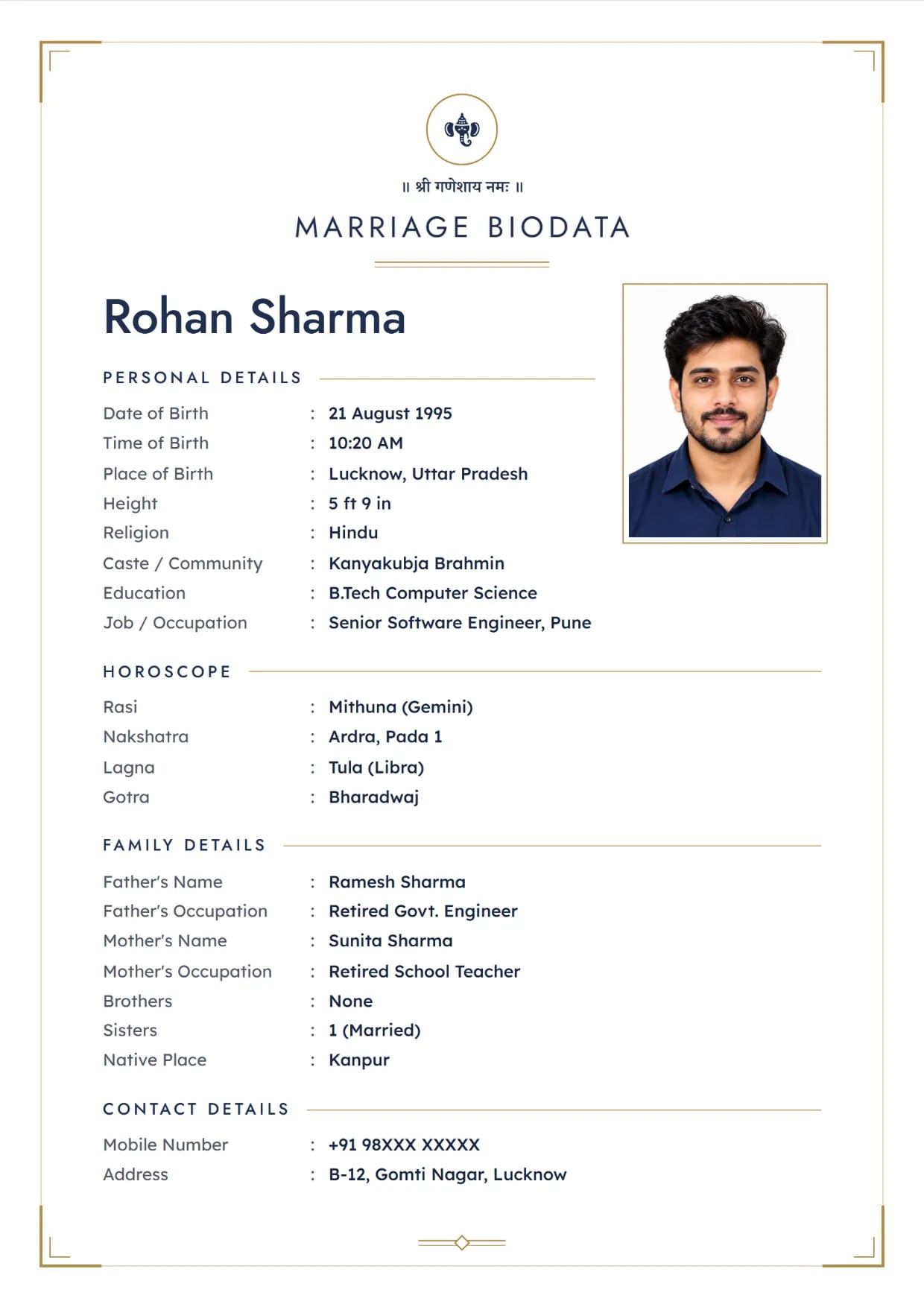
Charcoal Clean, Navy GoldBoy's biodata with Ganesh ji Use This Design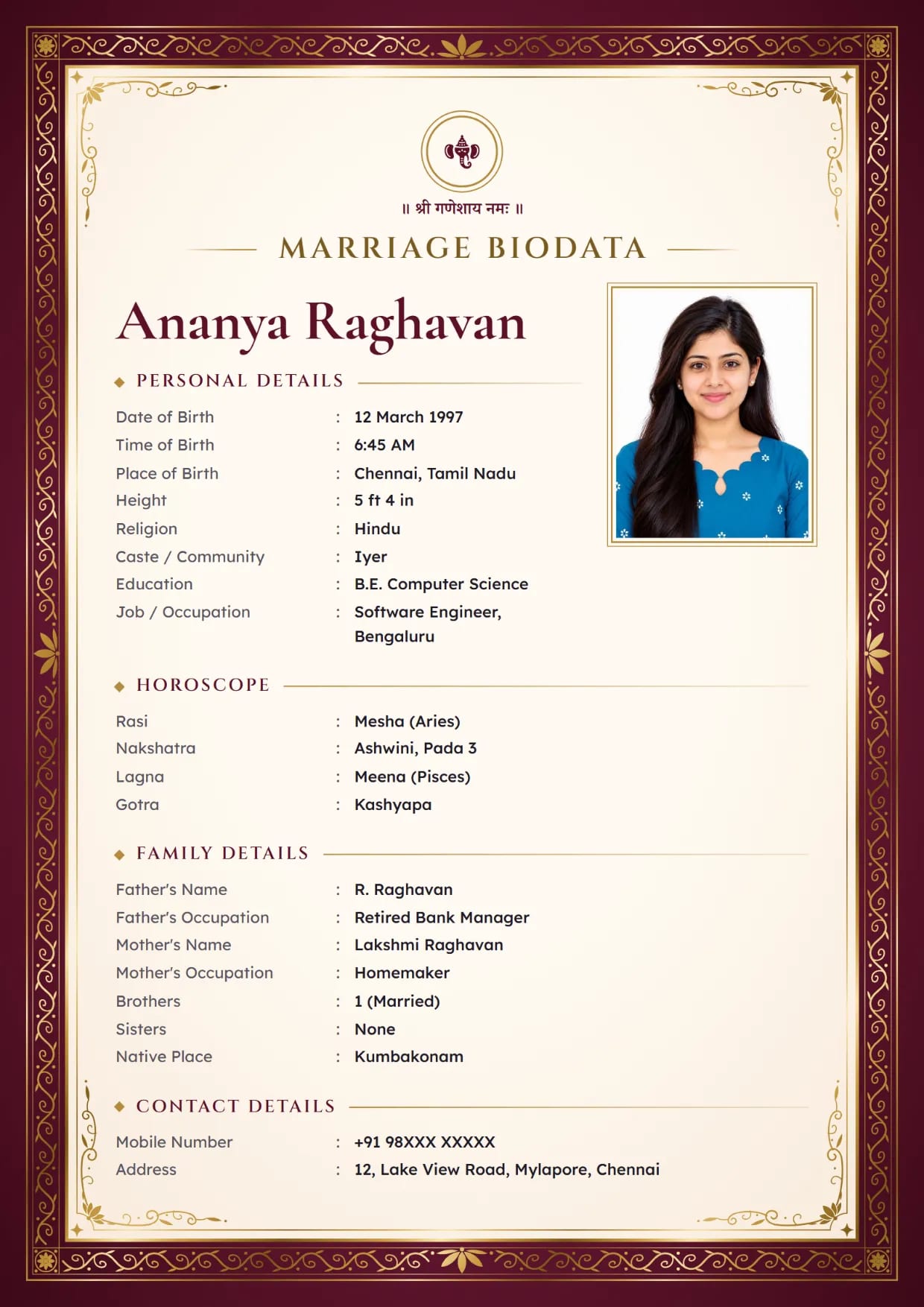
Gold Foil Royal, Royal WineGirl's biodata with Ganesh ji Use This Design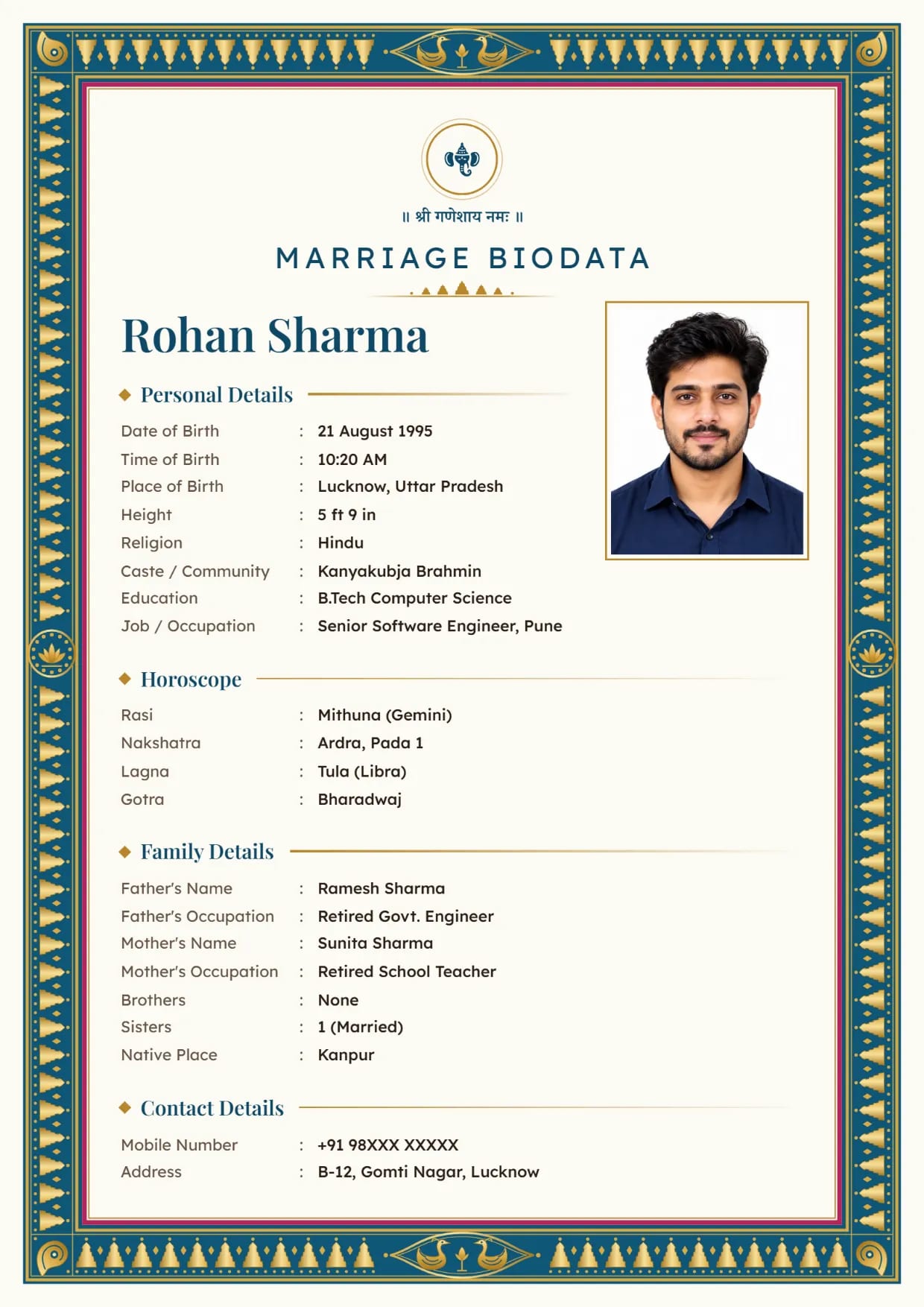
Kanjivaram Zari, Peacock BlueBoy's biodata with Ganesh ji Use This Design
Common Questions
Where Can I Get a Marriage Biodata Border Design?
On our templates page. All 66 designs have their border and background built in. Pick one, fill in your details and download it as a PDF or an image.
Can I Upload My Own Background or Border?
No. You choose from our 66 designs and their colours. You can change the God symbol and the lines at the top. The border and background come with the design.
Which Biodata Design Is Best?
The one your family likes and can read easily. For a printout, a light design with a thin border prints best. For WhatsApp, a richer design like Kanjivaram Zari or Royal Maroon looks good.
Are These Designs Free?
63 of the 66 are free to download. Gold Foil Royal, Peacock Luxe and Velvet Palace are premium and come with Biodata Plus.
Do the Designs Work with Hindi, Marathi or Tamil Text?
Yes. Every design prints in all 12 of our languages, with the right font for each script.
Is There a Stylish or Modern Design?
Yes. Pearl Minimal, Charcoal Clean, Navy Line and Sage Soft are the modern ones, with clean lines and very little decoration.
Related Pages
Ready to Make Yours?
Pick a design, fill in your details and download your biodata as a PDF or an image. Free to make.